Why your notes app should work offline
Notes get written in lifts, on planes and in basements. What offline-first means for speed, privacy and backups, and how to test any notes app.
 By the Entherion team
7 min read
Key points
- An offline-first app saves every change on your phone first and syncs later.
- Local storage makes the app faster and keeps fewer copies of private writing elsewhere.
- A lock controls access inside an app; it is not the same as encryption.
- Pair offline notes with an encrypted backup you control and export to open formats.
Ideas rarely arrive at a convenient moment. They turn up on a plane, in a lift, in a basement meeting room, or on the last day of the month when your mobile data has run out. A notes app that depends on a connection lets you down at exactly those moments. The way it is built also decides how fast the app feels, where your writing is stored and who could read it.
What "offline-first" means
Notes apps broadly follow one of two designs. An online-first app treats a server as the real home of your notes. Your phone shows a copy, and every change is sent away to be saved. When the connection drops, the app may refuse to open notes, show a spinner, or let you type into a draft that might not survive.
An offline-first app reverses that order. Your notes live on the device, and every change is saved there first, straight away. Syncing and backups happen afterwards, in the background, whenever a connection is available. The note is safe the moment you type it, not the moment a server confirms it.
| Question | Online-first app | Offline-first app |
|---|---|---|
| Where is the main copy? | On a server | On your phone |
| What happens with no signal? | Limited or no access | Everything works as normal |
| When is a change saved? | When the server confirms it | Immediately, on the device |
| How fast does search feel? | Depends on the network | As fast as the phone |
| Who holds your notes by default? | The service provider | You |
Neither design is wrong for every purpose. Shared documents that many people edit at once suit a server. Personal notes, lists and diaries suit a design where the phone comes first.
The places a connection fails
It is easy to think of offline use as rare. In daily life, gaps in connectivity are common and usually brief:
- flights, and the time spent in airports switched to flight mode
- lifts, underground car parks, basements and some older buildings with thick walls
- trains passing through tunnels or rural stretches
- travel abroad, when roaming is expensive or switched off
- the end of a monthly data allowance
- crowded venues where the network is overloaded
Each of these is a moment when you might want to jot down a reference number, check a shopping list or record a thought before it goes. A notes app is most useful when it is reliable everywhere, and the hardest places are the ones that test it.
Speed you can feel
When nothing has to travel to a server and back, small actions happen at once. Opening a note, searching a notebook of several hundred entries, or ticking an item on a checklist takes no longer than the phone needs to draw the screen.
A short delay on a single action seems trivial. Notes apps are used in dozens of small bursts a day, though, and a pause before every one makes the app feel like an obstacle. Local storage removes that pause entirely.
Privacy and fewer copies
Notes hold some of the most personal things people write: diary entries, health worries, financial plans, half-formed ideas about work. Every copy of that writing on another computer is one more place it could be exposed, through a breach, a mistake or a change in someone else's policy.
An offline-first app keeps the main copy on your phone. That does not make it automatically private, so it is worth asking a few precise questions.
Is anything reading your notes?
Some apps send note content to servers for features such as summaries, suggestions or search. That may be useful, but it means your words leave the device. If you would rather they did not, choose an app that does not process note content anywhere else.
Does a lock mean encryption?
These are different things, and the difference matters. A lock controls who can open a note inside the app. Encryption scrambles the data itself, so it cannot be read without a key. An app can offer a strong lock without encrypting the note on the phone's storage. Read the privacy policy to find out which one you are getting, and where encryption applies.
What shows outside the app?
Notifications, widgets and the recent-apps screen can all display note text. A private entry should not appear on your lock screen because a reminder fired. Look for a setting that hides note text in these places.
Backups: the other half of offline
Keeping notes on one phone has an obvious risk. Phones get lost, stolen, dropped and replaced. Offline-first only works well when it comes with a backup you trust.
A common rule of thumb in data protection is 3-2-1: keep three copies of important data, on two different kinds of storage, with one copy somewhere else. For notes, a practical version is the phone itself, an automatic backup to a cloud account you control, and an occasional export to a file you keep on a computer.
When you look at backup options, check these points:
- Is the backup encrypted before it leaves the phone, so the storage provider cannot read it?
- Does it go to an account you own, or to the app maker's servers?
- What happens if you forget the backup password?
- Can you recover a note you deleted by mistake?
The third question is often overlooked. With strong encryption, a lost password usually means a lost backup. That is the price of real privacy, and it is better to know it in advance.
Export to open formats
A notes app should never become a trap. If you switch phones or change apps, you should be able to take your writing with you. The same goes for keeping a copy on your computer, in a format other programs can open.
Plain text and Markdown are the most portable choices. Markdown is plain text with a few simple marks for headings, lists and emphasis, and almost any editor can read it. PDF is good for sharing a finished note. Word documents suit anything you plan to keep editing in an office suite.
A simple test for any notes app
You can check how a notes app behaves offline in five minutes. Before you rely on it, try this.
- Turn on flight mode.
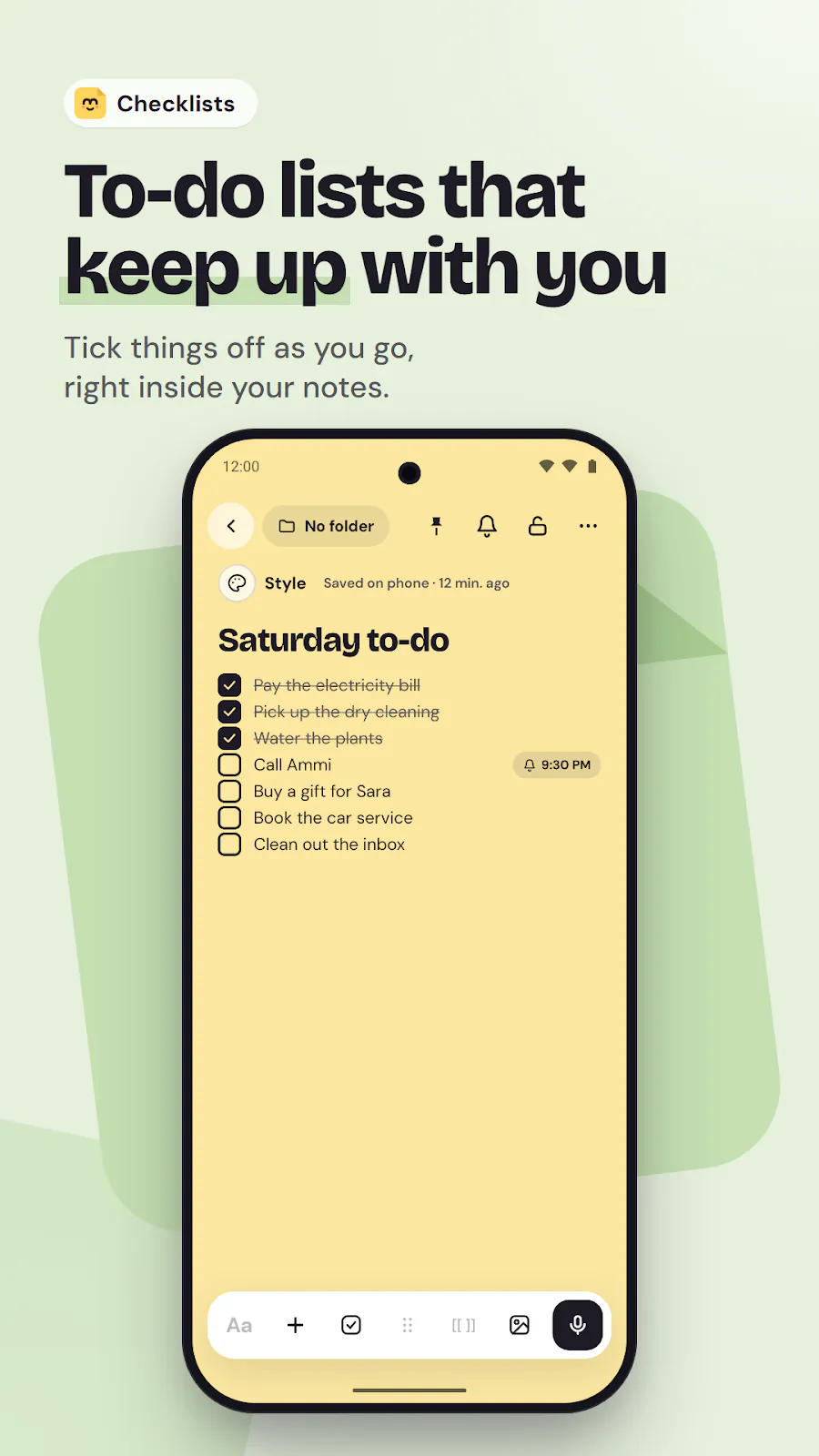
- Open the app and create a new note with a few lines and a checklist.
- Search for a word in an older note.
- Close the app completely, then reopen it and confirm the new note is still there.
- Turn flight mode off and check whether anything reports a sync error or a conflict.
If any of these steps fail, you have found the app's limits before they cost you a note.
What to look for
- Automatic saving on the device, with no "sync failed" moments.
- Locks for the whole app, a single note or a folder.
- An option to hide note text in notifications and widgets.
- Encrypted backup to a place you control, and a way to recover deleted notes.
- Export to open formats such as Markdown, plain text and PDF.
- Voice notes and dictation that work without a connection, where the phone supports it.
- A clear privacy policy that says where notes are stored and what, if anything, reads them.
How Memlow handles this
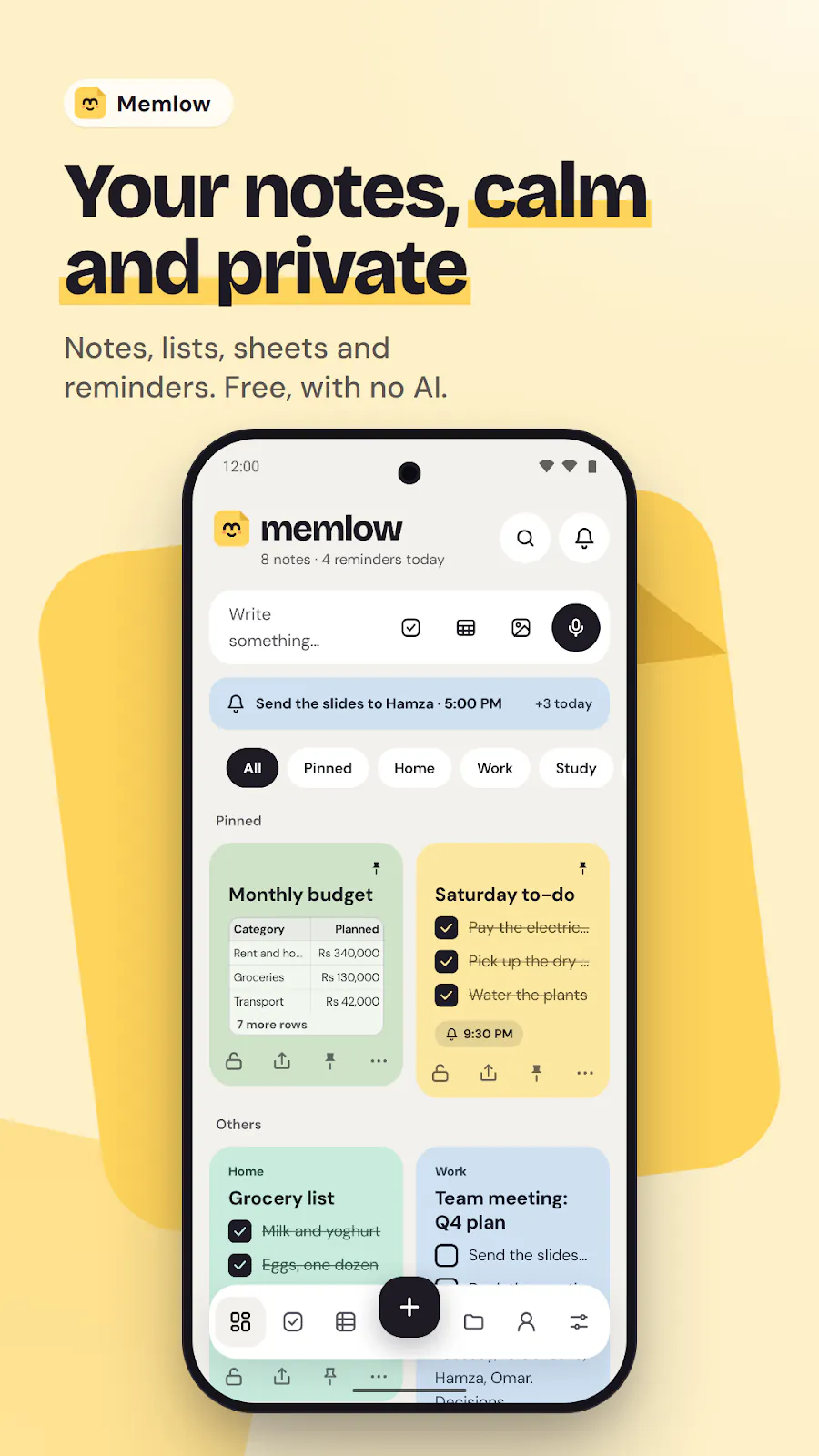
Memlow is a notes app for Android built on the offline-first model. Every note is saved automatically on your phone as you type, and writing, search, reminders, widgets and the app lock all work without a connection. No AI reads, summarises or trains on what you write, and the app contains no analytics code.
You can lock the whole app, a single note or a full folder with a PIN or fingerprint, and hide note text in notifications and widgets. Memlow's privacy policy is clear that a lock controls access inside the app and does not by itself encrypt the note on the phone. Encryption applies to backups. The optional Google Drive backup is encrypted on the phone with AES-256-GCM, using a key unlocked by your backup password. It is then stored in a hidden app folder in your own Drive. A lost backup password cannot be recovered. You can also save a password-protected backup file, recover deleted notes from Trash for 30 days, and export notes as PDF, Markdown, Word, text or image.
On supported phones, dictation works offline. If you also want your notes on a computer, Memlow on the web runs in the browser and stays in sync with Android through the same Google Drive. Linking Drive on the web needs a free Memlow account; the Android app itself needs none to start writing.
Questions people ask
What does offline-first mean in a notes app?
Your notes live on the device and every change is saved there straight away. Syncing and backups happen afterwards, whenever a connection is available.
Is a locked note the same as an encrypted note?
Not necessarily. A lock controls who can open a note inside the app, while encryption scrambles the data itself. Check the app's privacy policy to see which applies.
How can I test whether a notes app works offline?
Turn on flight mode, create a note, search older notes, then close and reopen the app. Turn flight mode off and check for sync errors.
Does Memlow work without internet?
Yes. Memlow saves every note automatically on your phone, and writing, search, reminders, widgets and the app lock all work offline.