

WrittenCheck: WrittenCheck: AI Detector
See which sentences read like AI.
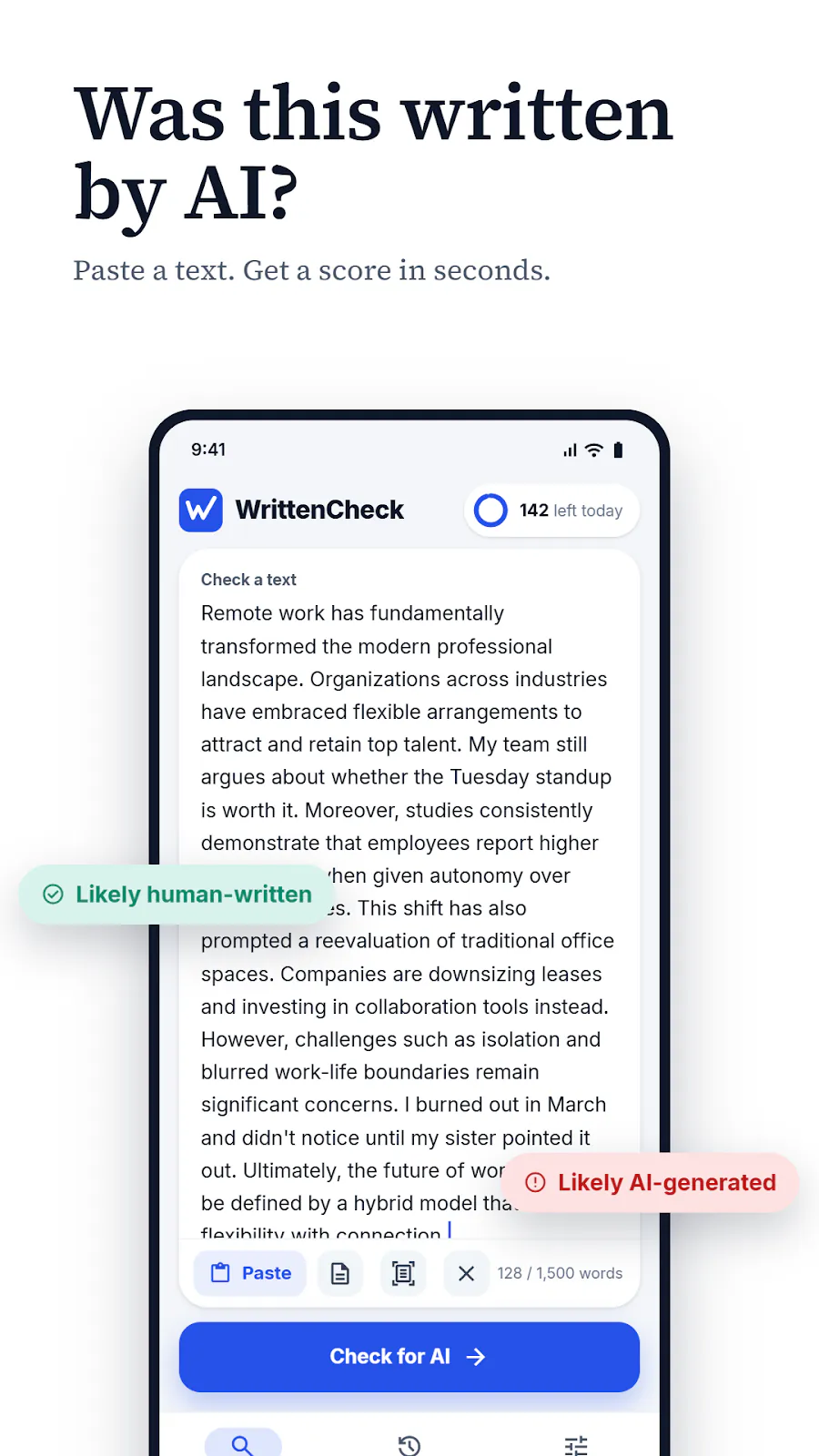
Paste text, scan a printed page or open a file, and WrittenCheck shows an AI-likeness score, a likely range and every sentence marked as likely AI, mixed or likely human.
- 16 languages
- 200 free checks a day
- None sign-up needed
Also on the web: writtencheck.com
- Full name
- WrittenCheck: AI Detector
- Category
- Productivity
- Price
- Free
- Package
- com.
aiDetector. aiContentChecker
Screenshots
Real screens from WrittenCheck on Google Play. Tap any one to see it full size.
What WrittenCheck does
AI text checker: see which sentences read like AI. 16 languages, no sign-up.


A score you can read
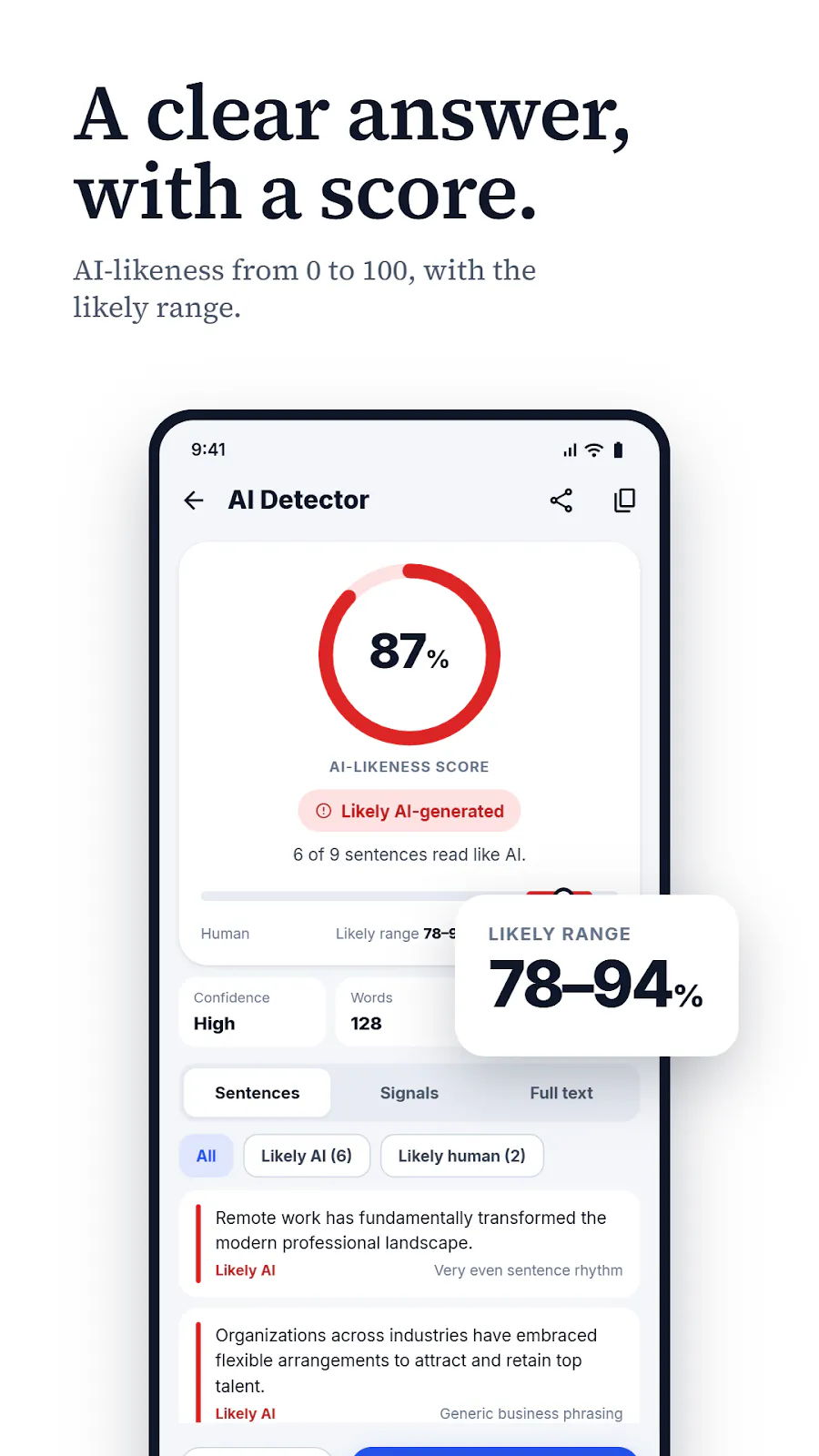
An AI-likeness score from 0 to 100% with a likely range and confidence level, plus a breakdown of what moved the score, so the result is never a black box.
Sentence-by-sentence highlights
Each sentence is marked as likely AI, mixed or likely human, so you can see exactly which parts to look at.
Check text your way
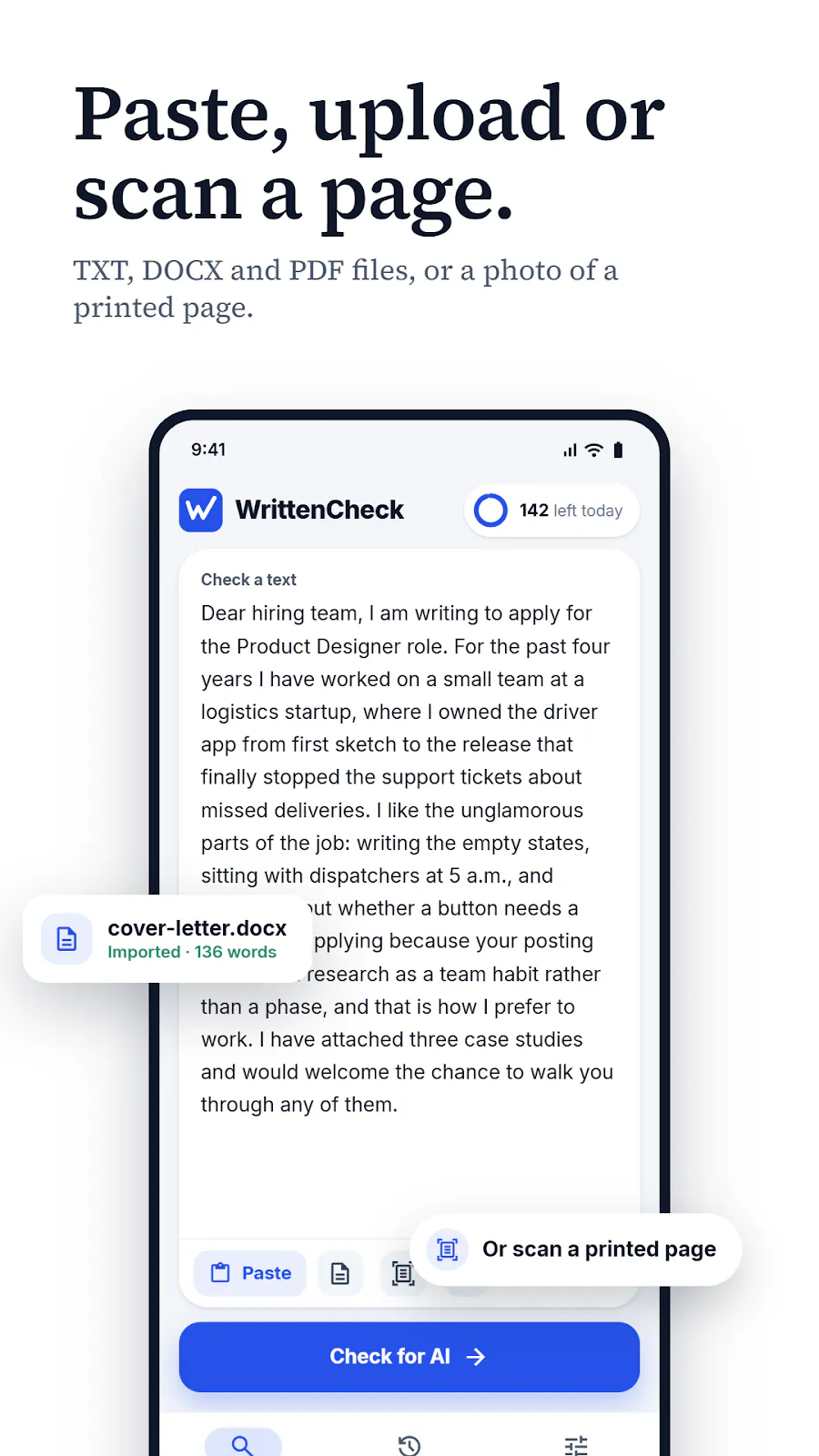
Paste or type 40 to 3,000 words, open TXT, DOCX and PDF files, scan a printed page with your camera, or share text from any app.
16 languages
English, Spanish, Portuguese, French, German, Italian, Russian, Japanese, Korean, Chinese, Arabic, Hindi, Indonesian, Turkish, Thai and Urdu, detected automatically.
Private by design
Your text is checked and then discarded. It is never stored on the server and never used for training. History stays on your phone, and you can turn it off.
Fair about its limits
No AI detector is 100% accurate. WrittenCheck treats a score as one signal, not proof, and lets you report a result that looks wrong.
WrittenCheck on the web
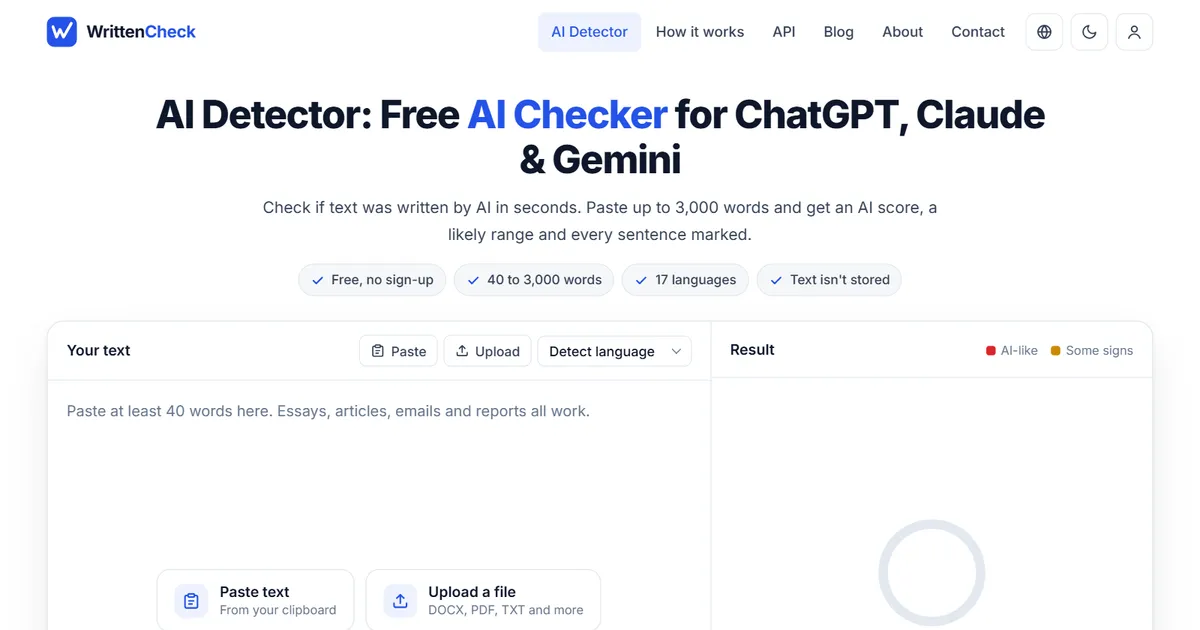
More about WrittenCheck, on its own website.

About WrittenCheck
WrittenCheck: AI Detector is an Android app that estimates how likely a piece of text was written by an AI tool. Paste text, scan a printed page or open a file, and the app returns an AI-likeness score, a likely range and every sentence marked as likely AI, mixed or likely human. It is made for students, teachers and writers who want a second look at a text, and it needs no account or sign-up.
How it works in daily use
A check takes a few steps:
- Add the text. Paste or type it, open a TXT, DOCX or PDF file, scan a printed page with the camera, or share text into WrittenCheck from any other app.
- Tap "Check for AI".
- Read the result: an overall score, a likely range, a confidence level and sentence-by-sentence highlights.
Each check accepts 40 to 3,000 words. Longer documents can be checked in parts. Language is detected automatically, so there is nothing to set before a check.
Past checks are saved on your phone so you can return to them. You can turn history off in Settings, or clear it at any time.
Reading a result
The score
The AI-likeness score runs from 0 to 100%. It estimates how closely a text matches the patterns of AI writing that the detector has learned. It is not the share of words written by AI, and it is not proof of who wrote the text.
Each score comes with a likely range, showing where the true score probably sits, and a confidence level. The app also shows a breakdown of what moved the score, so you can see why a result came out the way it did.
Sentence highlights
Every sentence is marked as likely AI, mixed or likely human. This is often more useful than the overall number. A text can be partly AI-assisted and partly not, and the highlights show which passages to look at.
Limits
No AI detector is 100% accurate. WrittenCheck treats a score as one signal, not proof, and recommends reading the highlighted sentences rather than relying on the number alone. Short texts give less certain results: texts under 80 words are always marked low confidence.
If a result looks wrong, you can report it from the result screen. Reports are optional and are used to look into the result and improve the detector.
Privacy and data handling
The app's privacy policy sets out what happens to your data. The main points:
- No account. You never sign up or log in.
- Your text is not stored. Text is sent over HTTPS to the WrittenCheck API, analysed in memory and deleted as soon as the result is returned. It is never written to a log, file or database, and never used for training.
- History stays on your phone. Saved checks live only in the app's private storage. App data is not included in Android cloud backups, and uninstalling the app removes everything it saved.
- Files and scans are read on the device. When you open a file, the app reads it on your phone and only the extracted text is sent, and only when you start a check. Page scanning uses Google's ML Kit on the phone, and the image is never sent to WrittenCheck.
- No ads, no analytics, no tracking. The app contains no advertising, analytics or crash-reporting SDKs, and data is not sold or shared for advertising.
- Minimal permissions. The app asks for internet and network state only. The scanner runs inside Google Play services, so the app itself does not need camera permission.
- Free checks are counted without identifying you. A random install ID, stored in hashed form, counts daily checks. It is not linked to your name, phone number, Google account or advertising ID.
Your name and email are requested only if you choose to send a report about a wrong result. Including the checked text in a report is a separate, optional tick box.
Languages
WrittenCheck checks text in 16 languages: English, Spanish, Portuguese, French, German, Italian, Russian, Japanese, Korean, Chinese, Arabic, Hindi, Indonesian, Turkish, Thai and Urdu. The language of each text is detected automatically.
Price
WrittenCheck is free. You get 200 checks every day with no account, no sign-up and no paywall. The daily counter resets at midnight UTC.
On the web
writtencheck.com runs the WrittenCheck API that the app uses for every check. On the website you can use the AI detector in the browser, read a detailed explanation of how the score, range and confidence work, and find other free writing tools: a word counter, a readability checker, a diff checker for comparing two texts, and a text cleaner. The site also offers an API and widget, and versions of its pages in several languages.
The website states that WrittenCheck is not a plagiarism checker. It does not compare text against web pages or papers.
Get WrittenCheck
WrittenCheck: AI Detector is free on Google Play. Install it, paste at least 40 words and tap "Check for AI".
Questions
More answers live on the WrittenCheck help page.
Is WrittenCheck free?
Yes. You get 200 free checks every day, with no account, no sign-up and no paywall. The counter resets at midnight UTC.
Is my text stored?
No. Your text is checked and then thrown away. It is never stored on the server or used to train the detector.
How accurate is it?
No AI detector is 100% accurate. The score estimates writing patterns and is not proof of who wrote a text, so use it as one signal and read the highlighted sentences.
Which file types can I check?
You can paste text, open TXT, DOCX and PDF files, or scan a printed page with your camera.
