Memlow: Memlow: Notes, Notepad & Diary
A calm, private notebook that works offline.
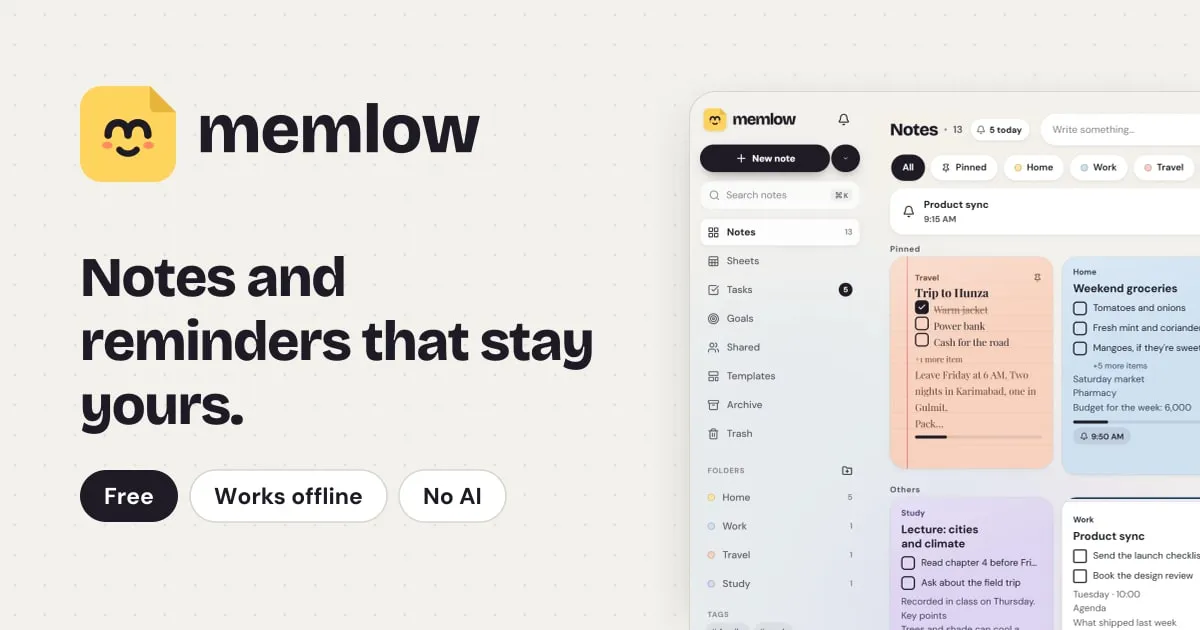
Memlow keeps notes, lists, a diary and reminders in one place on your phone. It saves as you type, works with no connection, and no AI reads a word you write.
- Offline works without internet
- 38 languages
- 40 note templates
Also on the web: memlow.com · app.memlow.com
- Full name
- Memlow: Notes, Notepad & Diary
- Category
- Productivity
- Price
- Free, optional Pro
- Package
- com.
memlow. notes
Screenshots
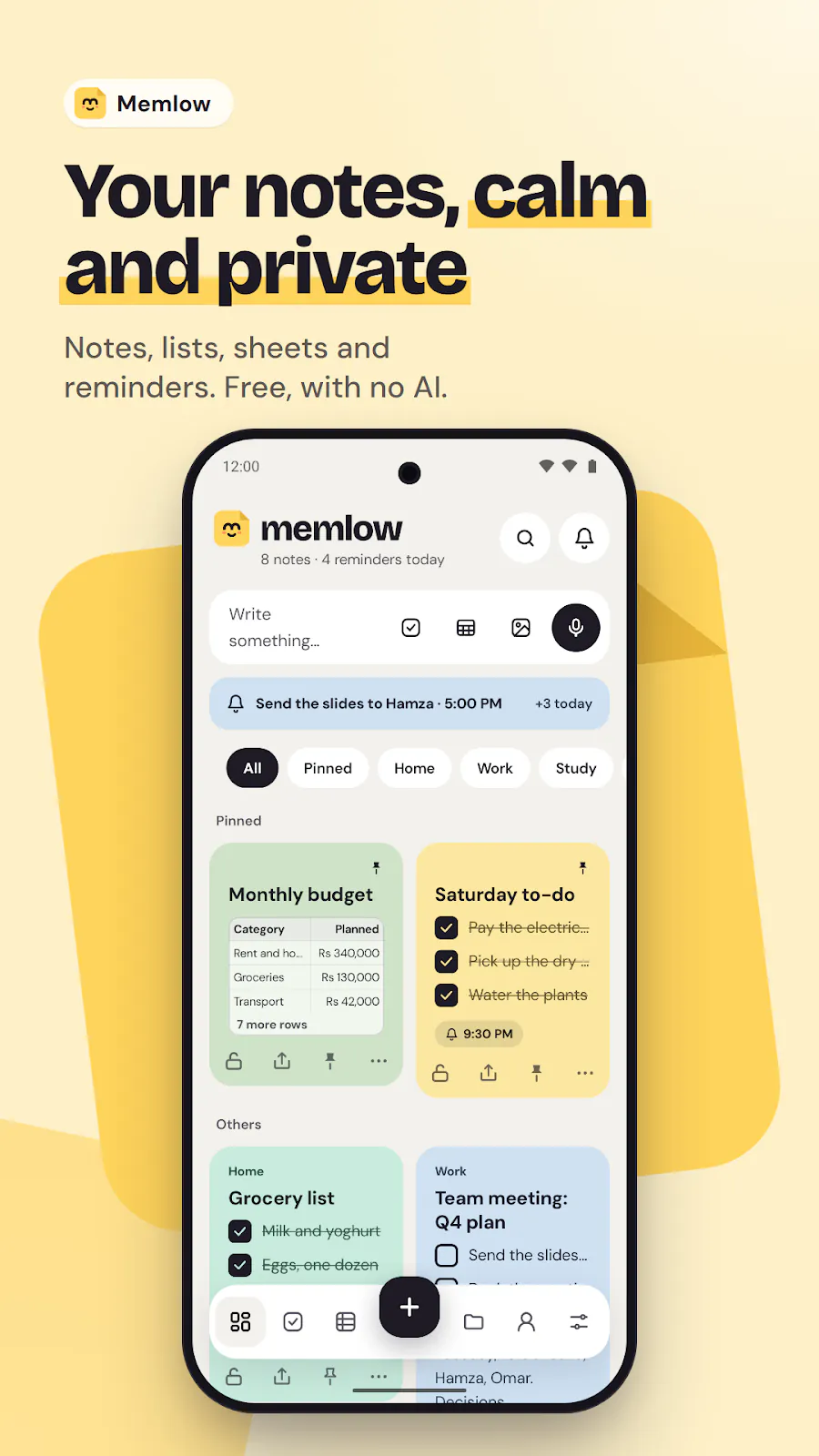
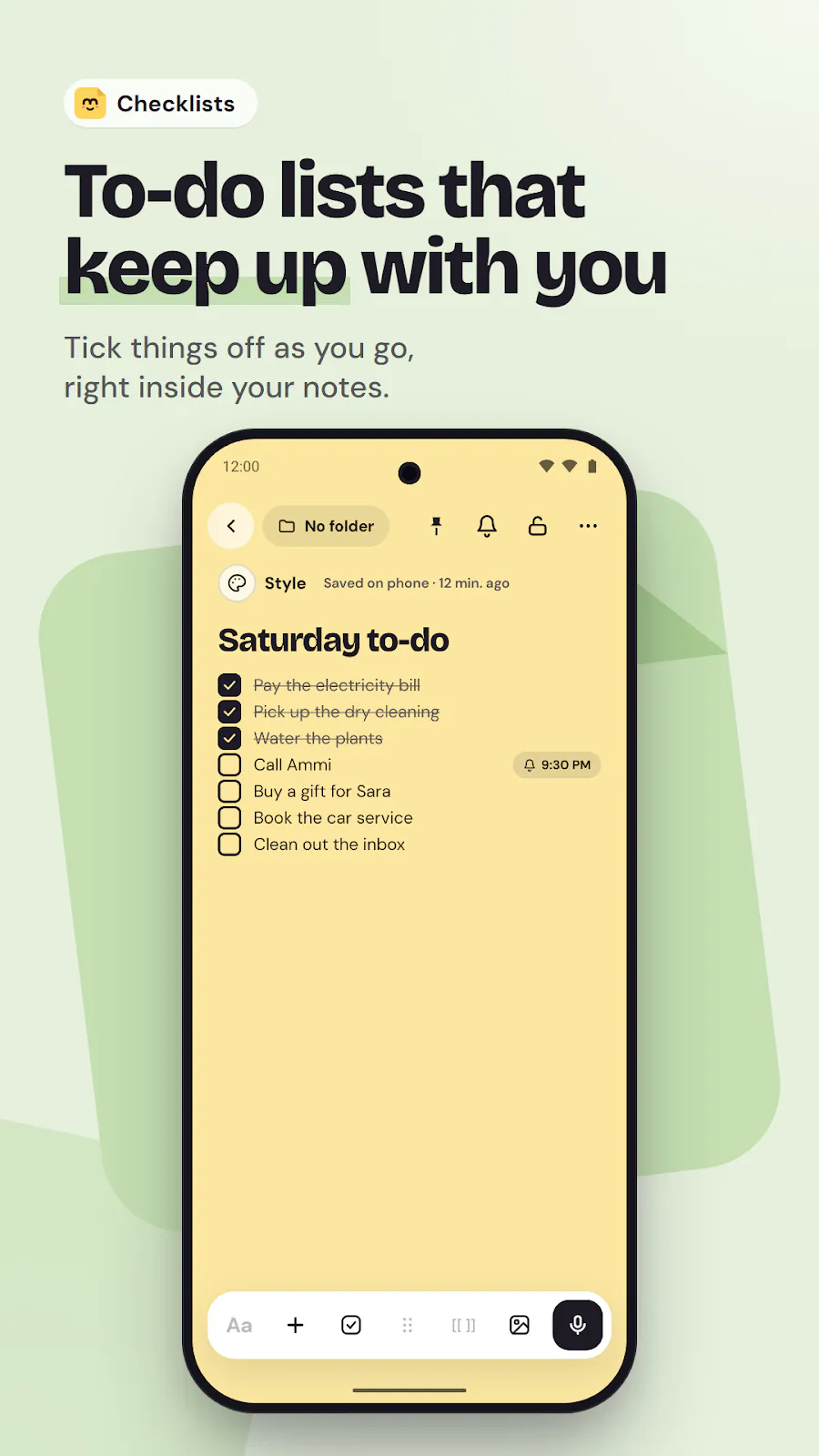
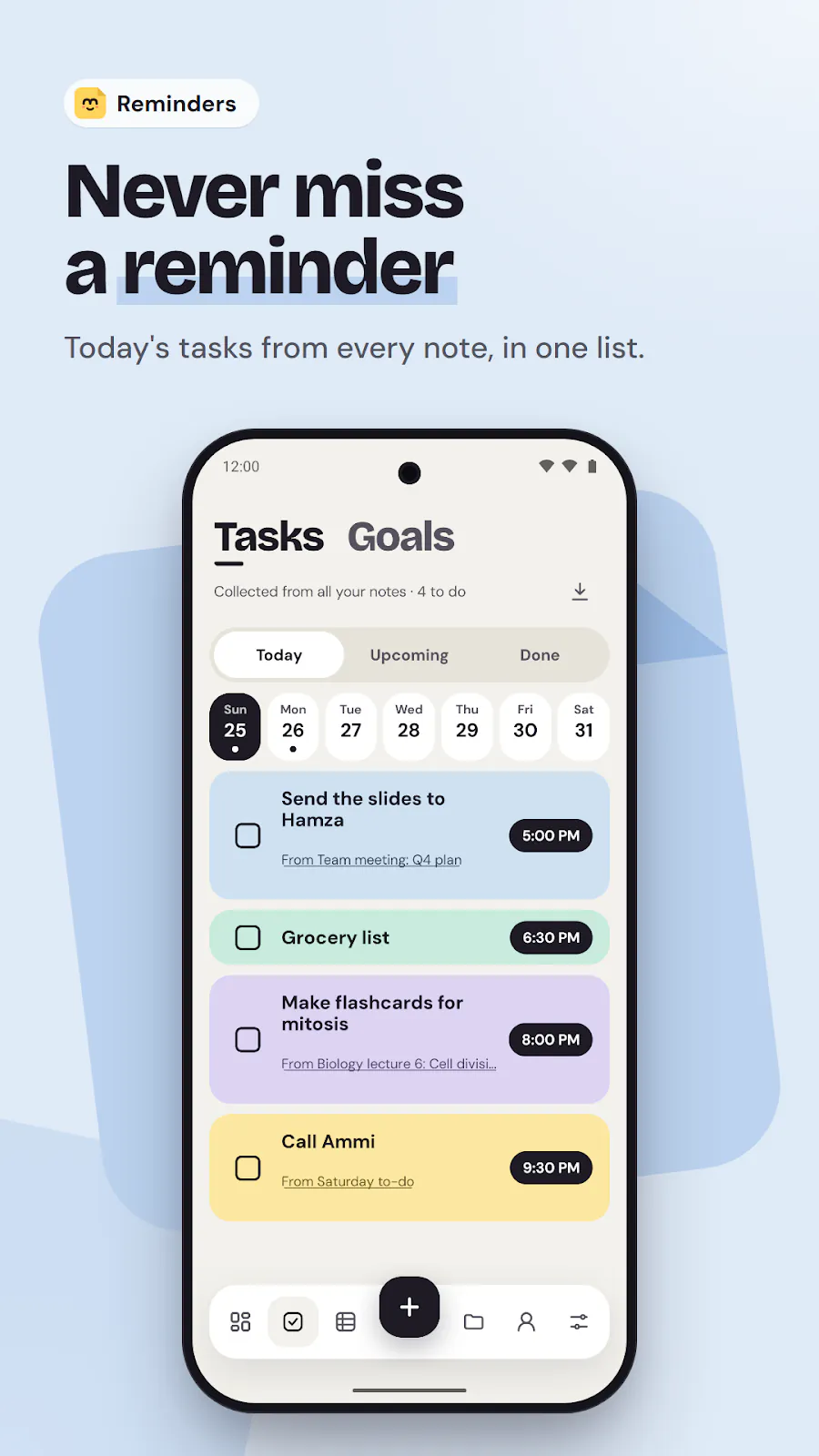
Real screens from Memlow on Google Play. Tap any one to see it full size.
What Memlow does
Private notes with lock, checklists, voice notes and reminders. Offline, no AI.

Write it your way
Headings, highlights, colours, tables, code blocks or Markdown. Turn any note into a checklist, add photos, link notes together and see the word count and reading time.
Lock what is private
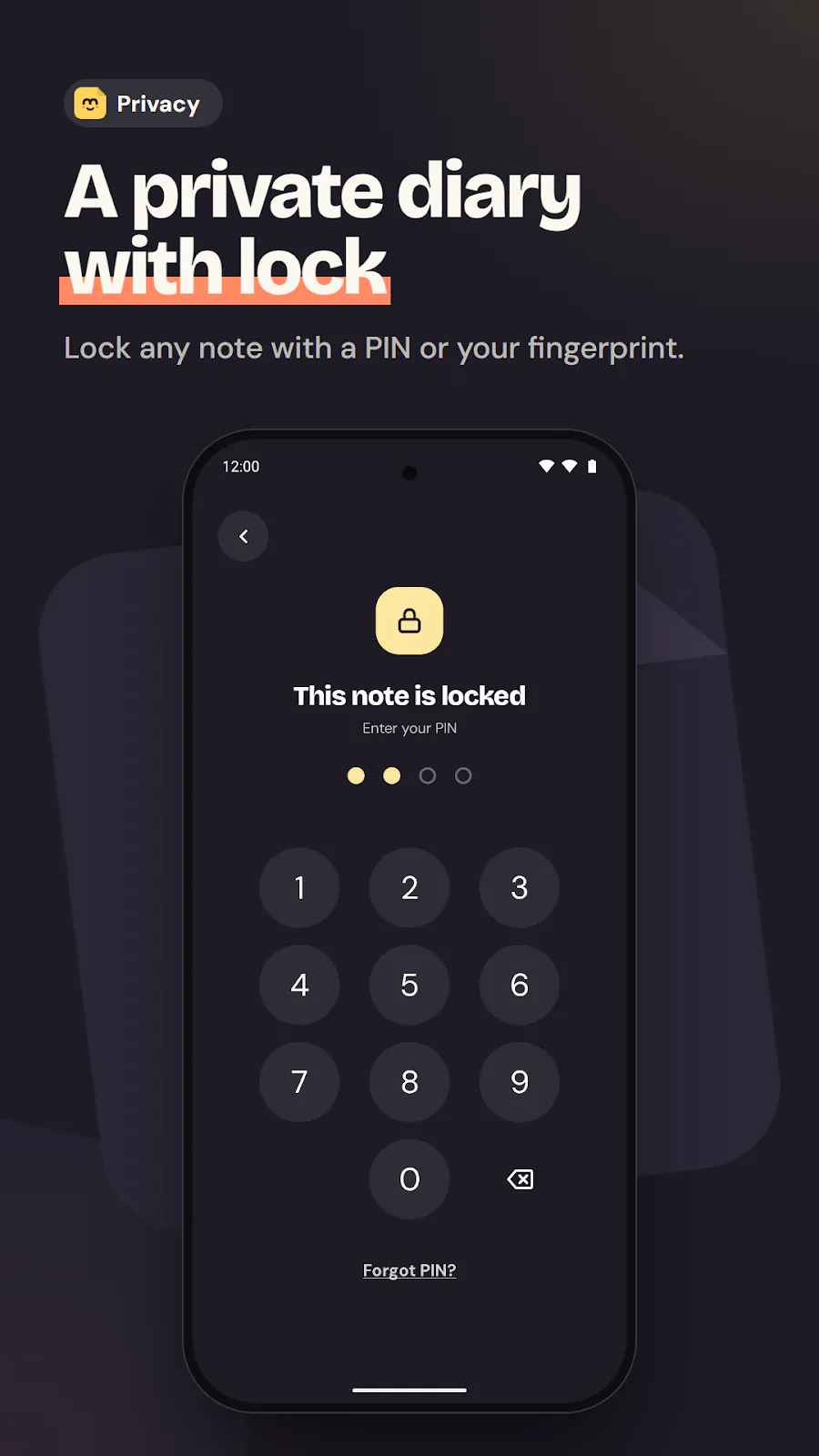
Use a PIN or fingerprint to lock the whole app, a single note or a full folder, and hide note text in notifications and widgets. Your diary stays yours.
Voice notes and dictation
Record audio inside any note, or use speech to text, which works offline on supported phones.
Reminders that keep up
Set reminders with alarms, repeat them daily or weekly, and snooze them. Mention a date in a note and Memlow offers to remind you.
Sheets built in
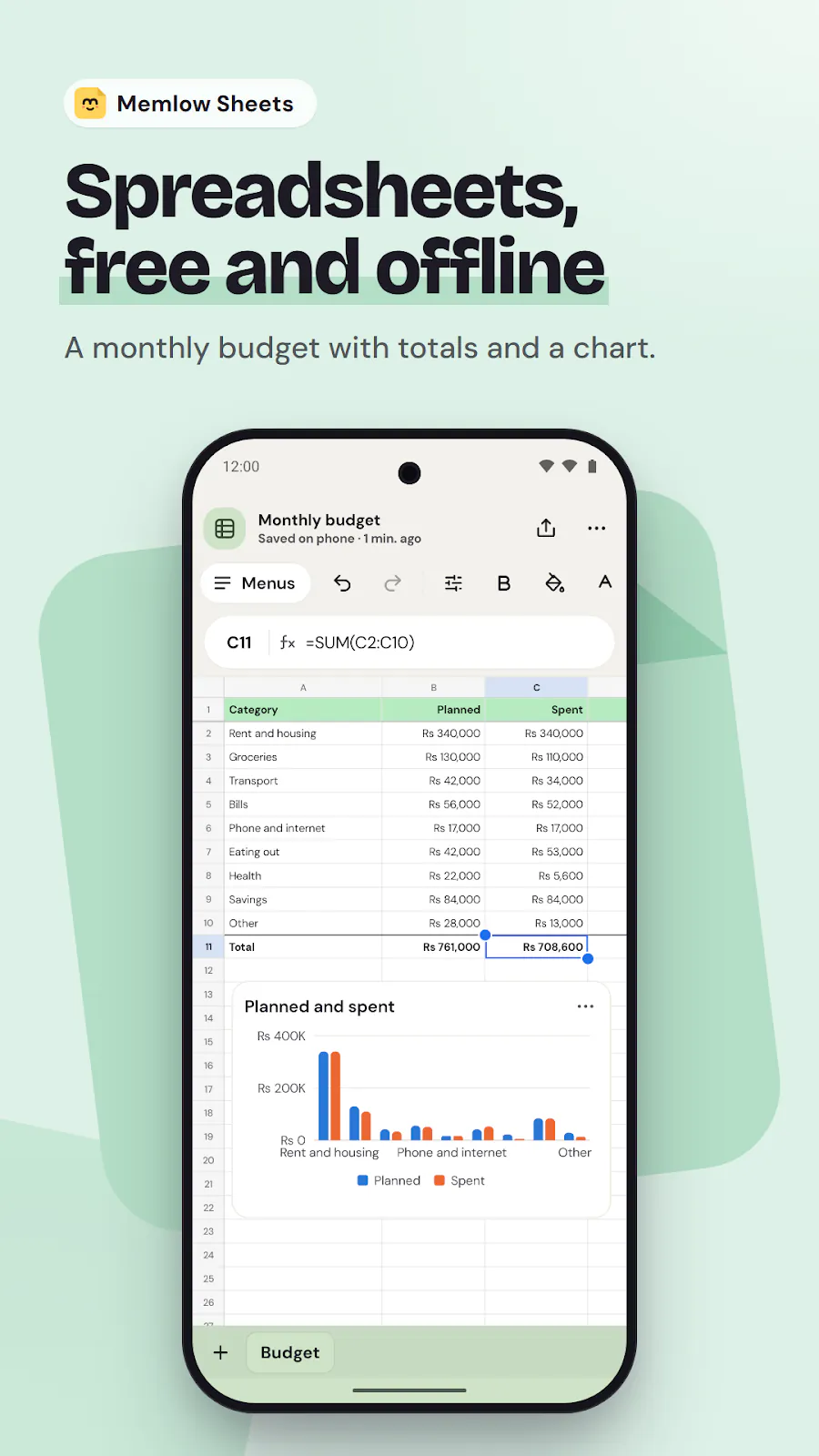
Memlow Sheets adds formulas, charts and 12 ready-made sheets, from budgets and expense splits to timetables, invoices and habit trackers.
Make every page yours
More than 45 themes and backgrounds, lined, grid or dot paper, over 30 fonts including handwriting styles, and light or dark mode.
Backups you control
Encrypted backup to your own Google Drive or a password-protected file, plus 30 days to recover anything from Trash. Export as PDF, Markdown, Word, text or image.
Folders, tags and search
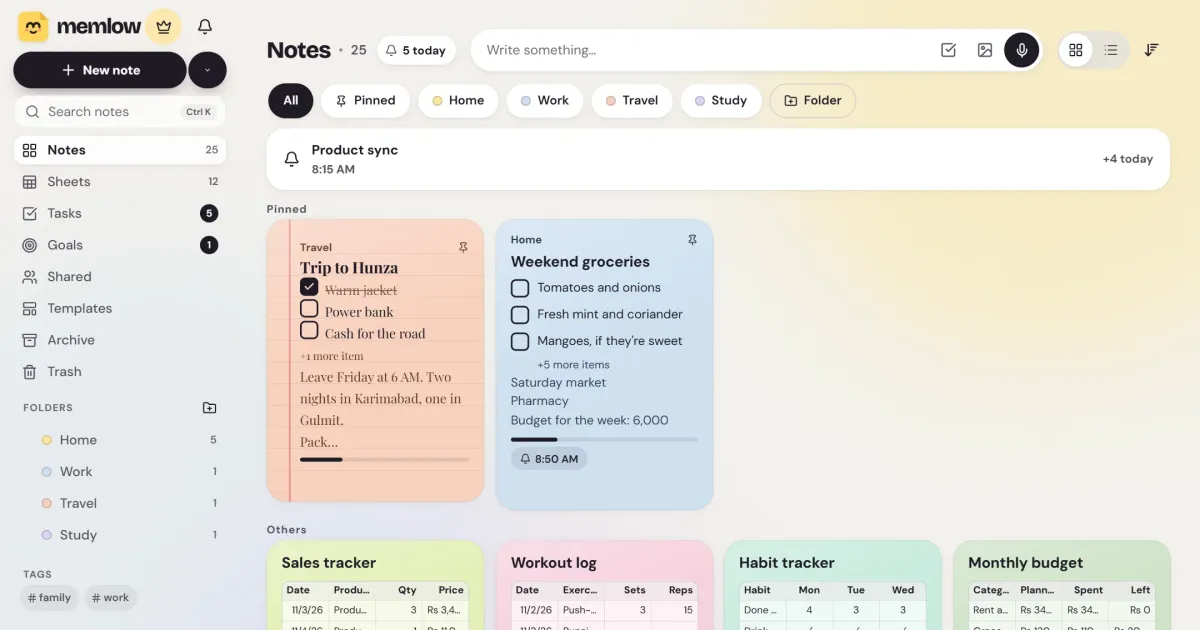
Unlimited notes in folders and sub-folders with icons, tags, pins, archive and fast search. Pin a note to your home screen with one tap.
Memlow on the web
Use Memlow beyond your phone, and find more about it.


About Memlow
Memlow is a notes app for Android that keeps notes, checklists, a diary, reminders and small spreadsheets in one place on your phone. It saves as you type, works without an internet connection, and has no AI features: nothing reads, summarises or trains on what you write. It suits anyone who wants a single, private notebook for daily life, from shopping lists and meeting notes to a locked personal journal.
How it works in daily use
Open Memlow and start writing. There is no account to create first, and every note is saved automatically on your phone. Writing, search, reminders, widgets and the app lock all work offline, so the app behaves the same on a plane as it does at home.
Notes live in folders and sub-folders, with icons, tags, pins and an archive. Search is fast and covers the whole notebook, and a single note can be pinned to the home screen with one tap. If you delete something by mistake, Trash keeps it for 30 days.
Reminders sit alongside the notes rather than in a separate app. You can attach a reminder to a whole note or to one checklist item, set it to repeat, and mark it done or snooze it from the notification. When you type a date into a note, Memlow offers to set a reminder for it. These suggestions come from simple rules, not AI.
Main capabilities
Writing and formatting
- Headings, highlights, colours, tables, code blocks and Markdown
- Any note can become a checklist
- Photos inside notes, and links between notes
- Word count and reading time for every note
- 40 note templates to start from
Voice
You can record audio inside any note, or dictate with speech to text. On supported phones, dictation works offline.
Memlow Sheets
Memlow Sheets adds spreadsheets to the notebook, with formulas and charts. It includes 12 ready-made sheets, such as budgets, expense splits, timetables, invoices and habit trackers.
Personalisation
Each page can be styled on its own. Memlow offers more than 45 themes and backgrounds, lined, grid or dot paper, over 30 fonts including handwriting styles, and light or dark mode.
Locking
A PIN or fingerprint can lock the whole app, a single note or a full folder. You can also hide note text in notifications and widgets, so a private entry does not show on the lock screen or home screen.
Privacy and data handling
Memlow's privacy policy describes how the app handles data. The main points:
- Notes stay on the device. Notes, photos, voice notes, sheets, tags and reminders are stored inside the app on your phone. Android's own cloud backup is turned off for the app.
- Backups are encrypted before they leave the phone. The optional Google Drive backup stores encrypted copies in a hidden app folder in your own Drive. Encryption uses AES-256-GCM with a key unlocked by your backup password, so neither Google nor Memlow can read the files. Memlow asks only for access to its own app folder, not your other Drive files. A backup password that is lost cannot be recovered.
- Manual backups are your choice. You can also save a password-protected backup file. A backup file saved without a password is not encrypted.
- No analytics in the app. The app contains no analytics or crash-reporting code.
- Ads. The free Android app shows Google AdMob ads. Ad requests never include note content, and ads are not shown for locked notes.
- Accounts are optional. A free account is only needed for features such as sharing notes or keeping Drive linked across devices.
A note on locking: according to the policy, a lock controls access inside the app and does not by itself encrypt the note on the phone's storage. Encryption applies to backups and shared notes.
You can export notes as PDF, Markdown, Word, text or image at any time.
Languages and accessibility
Memlow is available in 38 languages, including English, Spanish, French, Hindi, Urdu, Arabic, Indonesian and Japanese. Urdu and Arabic switch the app to a right-to-left layout, and Urdu notes can be written in Nastaliq script. Light and dark modes are available, and the app can follow the phone's own setting. Memlow runs on Android 8.0 or newer.
Price
Memlow is free and supported by ads. Optional Pro upgrades remove ads. Everything that is free stays free.
On the web
memlow.com is the home of the product. It explains each feature in detail, with pages on checklists, reminders, private notes, voice notes, Google Drive backup and Memlow Sheets, along with note templates, guides and a help centre.
Memlow on the web at app.memlow.com runs in the browser. It keeps notes in the browser's own storage and can be installed from the browser like an app. The web version has no ads. If you link the same Google Drive on the web and on Android, your notes stay in sync between the two, usually within seconds, and edits made on both are merged. Linking Drive on the web requires a free Memlow account.
Home-screen widgets and fingerprint unlock are part of the Android app.
Get Memlow
Memlow is free on Google Play. Install it, open it and start writing. Your first note is saved on your phone before you have to make any other choice.
Questions
More answers live on the Memlow help page.
Does Memlow work without internet?
Yes. Memlow works fully offline and saves every note automatically on your phone.
Does Memlow use AI on my notes?
No. No AI reads your words. Your notes are stored on your device, and backups go to your own Google Drive or a file you control.
Can I lock individual notes?
Yes. You can lock the whole app, one note or a full folder with a PIN or your fingerprint.
Is Memlow free?
Yes. Memlow is free and supported by ads. Optional Pro upgrades remove ads, and everything that is free stays free.
How many languages does Memlow support?
Memlow is available in 38 languages, including English, Spanish, French, Hindi, Urdu, Arabic, Indonesian and Japanese.