How to write an ATS-friendly resume
Structure, headings, dates, keywords and file formats that applicant tracking systems read cleanly, with a before and after example.
 By the Entherion team
7 min read
Key points
- Use a single column, keep contact details in the body and avoid tables, text boxes and skill bars.
- Stick to standard headings such as Work Experience, Education and Skills.
- Write dates in one consistent format, with months, and use keywords from the job description you can back up.
- Send a DOCX or a text-based PDF unless the job posting asks for something else.
Many employers never read an application in the form it was sent. The resume goes into an applicant tracking system first, which pulls out names, dates, job titles and skills, and a recruiter then searches and sorts what the software extracted. A resume that the system reads cleanly gives a person a fair chance to see your experience. One that it misreads can go missing in the list, however strong the candidate.
What an applicant tracking system does
An applicant tracking system, or ATS, is software that employers use to collect and manage job applications. When you upload a resume, the system parses it. It reads the file and works out which text is your name, which lines are job titles, where each role starts and ends, and which words describe skills. Those pieces go into fields in a database.
Recruiters then work with that data. What they can do depends on the system and how the employer has set it up. They might search for candidates with a particular skill, filter by years of experience, or compare applications side by side. Some systems also rank resumes against the job description.
Two things follow from this. Your resume has to be easy for software to read, and it has to use the words a recruiter is likely to search for. Neither means writing for a robot. A resume that parses well is almost always a resume that a person finds easy to scan as well.
A note on terms: in the UK and much of the Commonwealth, the document is usually called a CV, and in North America a resume. The advice here applies to both.
Structure: keep it simple and predictable
Parsers are built around the way most resumes are laid out. The closer your document is to that common pattern, the more reliably it is read.
Use a single column
Two-column designs look smart, but a parser may read across both columns line by line, mixing your skills into your job history. A single column, read from top to bottom, removes that risk.
Keep contact details in the body
Some systems skip the header and footer areas of a document. Put your name, phone number, email address and city at the top of the main page, not in a header.
Avoid tables, text boxes and graphics for content
Tables and text boxes can split or scramble text during parsing. Icons, charts, skill bars and logos carry no readable information at all. A bar showing "Excel: 80%" tells a parser nothing; the word "Excel" in a skills list does.
Choose a common font
Standard fonts such as Arial, Calibri, Georgia or Times New Roman are safe. Use a size between 10 and 12 points for body text, and keep headings slightly larger or bold rather than relying on colour alone.
Headings the system recognises
Parsers look for familiar section names to decide where your experience ends and your education begins. Creative headings make that harder.
| Use this | Rather than |
|---|---|
| Work Experience | Where I've Made an Impact |
| Education | Academic Journey |
| Skills | My Toolkit |
| Certifications | Badges and Credentials |
| Projects | Things I've Built |
| Summary or Profile | About Me in a Nutshell |
A short, plain summary at the top is optional but useful. Two or three lines naming your field, your level of experience and your main strengths give both the software and the recruiter context for everything below.
Dates and job titles
Dates let the system calculate how long you held each role. Inconsistent or vague dates can produce odd results, such as a gap that does not exist.
- Use the same format throughout, for example "March 2022 to June 2025" or "03/2022 to 06/2025".
- Include the month as well as the year where you can.
- Write "Present" for your current role.
- Put the dates on the same line as the role, or directly beneath it, every time.
For job titles, use the title you actually held. If your employer used an unusual internal title, you can add the common equivalent in brackets, for example "Customer Champion (Customer Service Representative)". This helps a recruiter searching for the standard term without misrepresenting your role.
Skills and keywords
The job description is your best guide to keywords. Read it closely and note the skills, tools, qualifications and duties it mentions. Where you have that experience, use the same wording in your resume.
Write out abbreviations once
A recruiter might search for "SEO" or for "search engine optimisation". Include both the first time: "search engine optimisation (SEO)". The same applies to qualifications and software names.
List skills one by one
A skills section works best as a clear list of separate items: "Python, SQL, Power BI, stakeholder reporting". Long sentences that bury skills in the middle are harder for software to pick out.
Show skills in context
Listing a skill is a start. Showing it in a bullet point under a role is stronger, because it tells the reader where and how you used it. "Built monthly sales dashboards in Power BI for three regional managers" is worth more than "Power BI" alone.
Don't stuff keywords
Repeating a keyword many times, or hiding it in white text, does not help. Recruiters read the resumes that come out of the search, and an unnatural block of keywords is easy to spot. Some systems also show the parsed plain text, where hidden words appear in full.
File formats
Always follow the instructions in the job posting first. If it asks for a particular format, use it.
| Format | ATS readability | Notes |
|---|---|---|
| DOCX (Word) | Generally good | Widely accepted; safe when no format is specified |
| PDF with real text | Usually good | Make sure the text can be selected and copied |
| PDF from a scan or image | Poor | The system may see a picture, not words |
| PNG or JPG image | Poor | Fine for sharing on social media, not for applications |
| Plain text (TXT) | Very good | Loses all formatting; useful for pasting into web forms |
A quick test for a PDF: open it, try to select a sentence and paste it into a plain text editor. If the text comes out in the right order, a parser can probably read it too.
Name the file clearly, such as "Firstname-Lastname-Resume.pdf". It looks tidy to a recruiter and makes the file easy to find.
A before and after example
Here is the same role written two ways. The first version has problems that are common in real resumes.
The heading is decorative, the dates are vague, the skill bar is unreadable to software, and the bullet points describe duties without any detail. The second version fixes each of these.
AFTER

Work Experience

Sales Executive
Acme Ltd, Lahore
March 2021 to Present

Managed a portfolio of 40 business accounts in the retail sector.
Prepared weekly sales reports in Excel for the regional manager.
Logged every client call and follow-up in Salesforce CRM.
Trained two new team members on the company's sales process.
The figures in the example are placeholders. In your own resume, use real numbers you can explain in an interview. Specific facts, such as the number of accounts, the tools you used and who you reported to, give both the software and the reader something concrete.
Common mistakes
- Putting contact details in the header or footer.
- Using a two-column template with skills in a sidebar.
- Creative section headings the system does not recognise.
- Mixing date formats, or giving years with no months.
- Showing skills as bars, stars or percentages.
- Uploading a scanned PDF or an image file.
- Sending the same resume to every job instead of matching it to each description.
- Adding keywords for skills you do not have.
Tailor it for each job
A single general resume rarely matches every role well. Keep a master copy with everything you have done, then make a short version for each application that leads with the experience and keywords that job asks for. This takes ten or fifteen minutes per application and is usually the most valuable time you spend.
How CV Maker and PerfectATS help
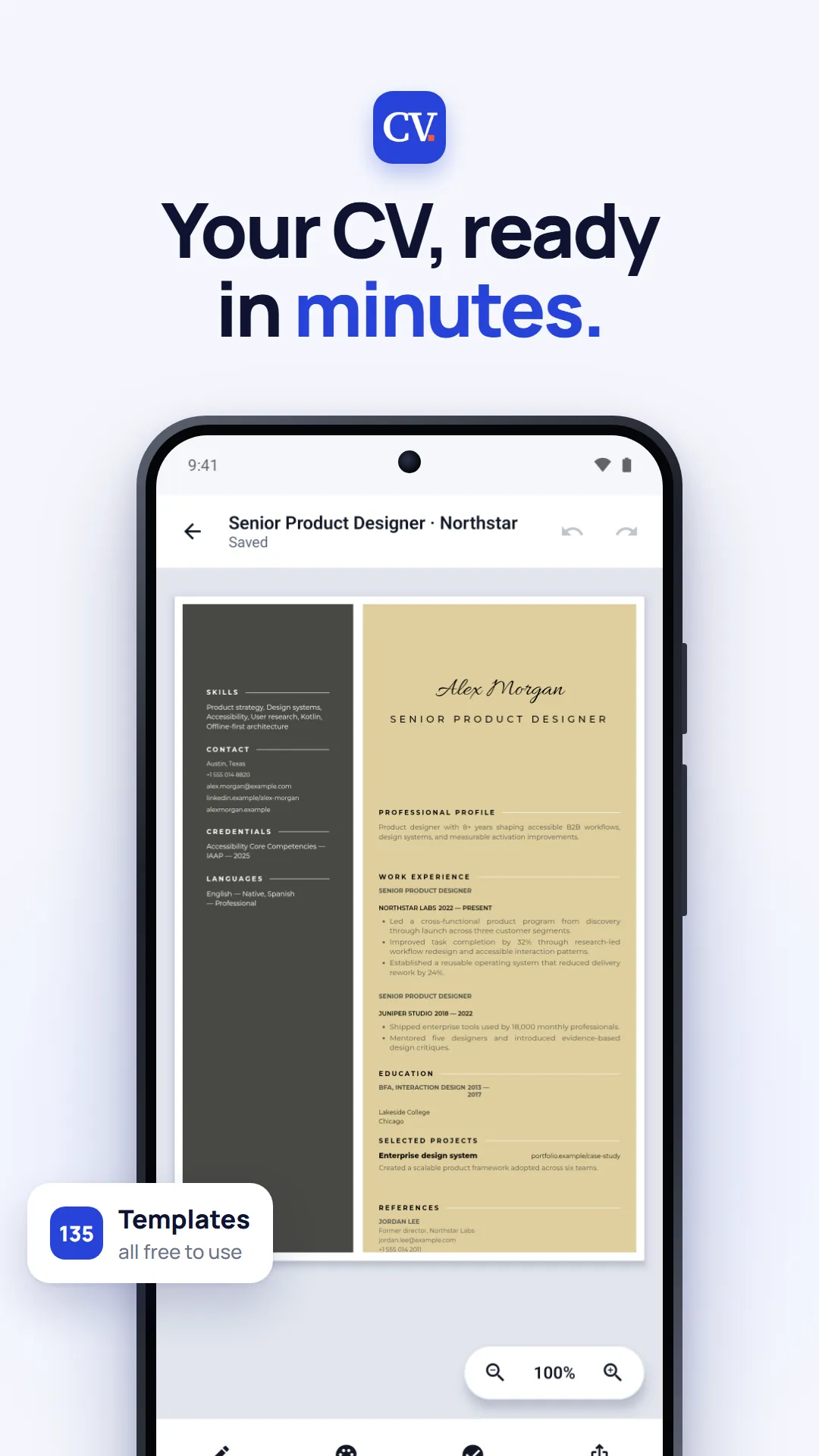
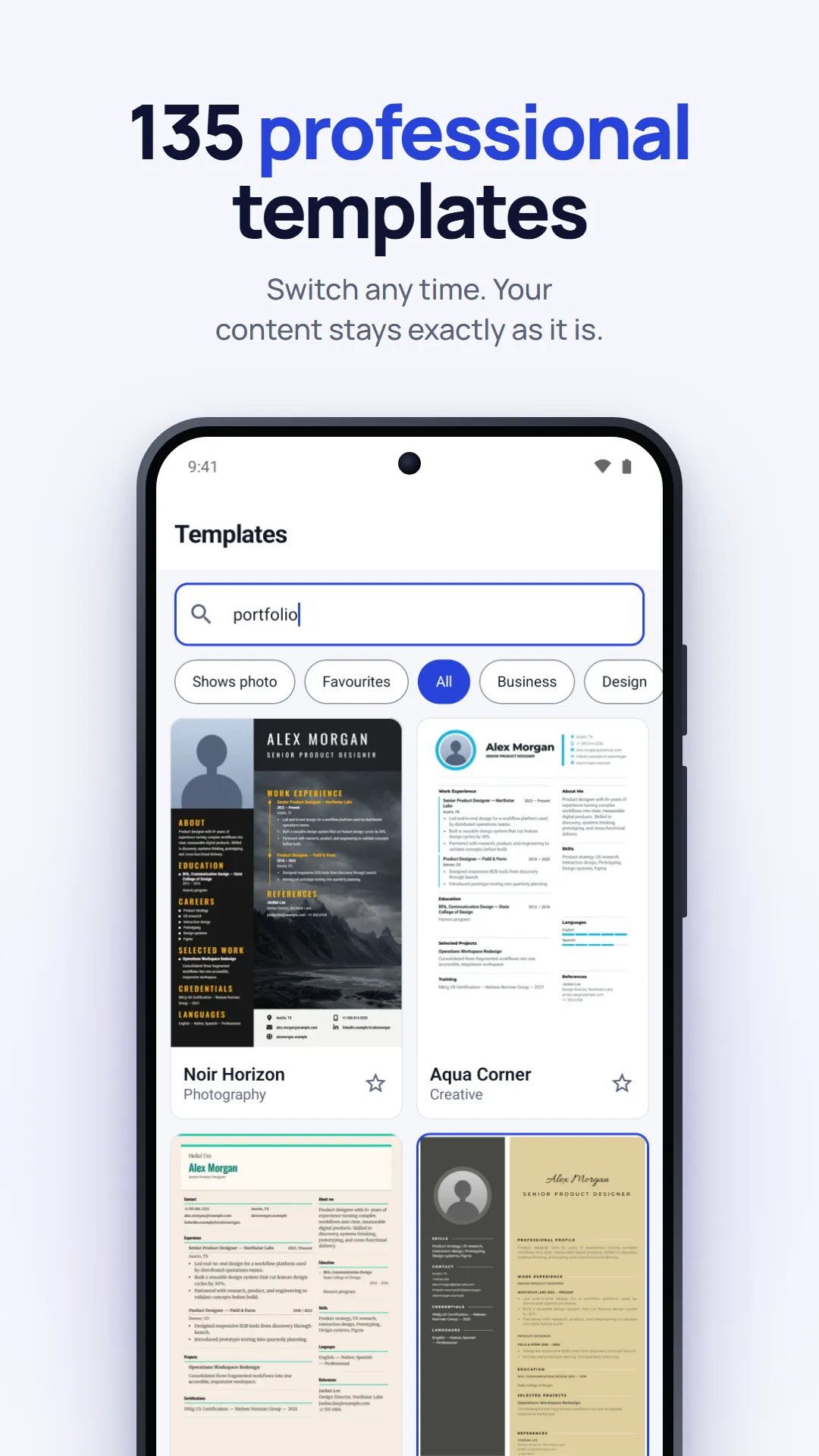
CV Maker, Entherion's resume app for Android, is coming soon to Google Play. It will offer 135 templates, export to PDF, Word (DOCX) and PNG, and a Check feature that scores a CV for ATS readiness and writing quality. The check looks at structure, such as a readable email address, roles with dates and skills listed one by one. It runs on the phone using fixed rules, not AI. The app needs no account and keeps your CV on your phone. For job applications, export as PDF or Word; the PNG option suits sharing an image, not uploading to an ATS.
Until the app is available, PerfectATS is a free web resume builder you can use now in a phone or desktop browser. It has 150 templates, exports to PDF, DOC and TXT with no watermark, and needs no account for the core builder. Its ATS Score Checker compares your resume with a job description and reports matched and missing keywords. PerfectATS describes that report as guidance, not a guarantee, which is the right way to treat any ATS score.
Questions people ask
What is an ATS?
An applicant tracking system is software employers use to collect and manage job applications. It reads your resume into fields such as name, job titles, dates and skills, which recruiters then search and sort.
Is a PDF or a Word file better for an ATS?
Follow the job posting first. If it gives no preference, a DOCX file or a PDF with real, selectable text is usually safe. Avoid scanned PDFs and image files.
Can an ATS read two-column resumes?
Some parsers read across both columns line by line and mix up the content. A single-column layout is the safer choice.
Should I copy keywords from the job description?
Use the same wording for skills and tools you actually have, and show them in context under each role. Repeating keywords or hiding them in white text does not help, because recruiters read the results.
Is CV Maker available yet?
CV Maker is coming soon to Google Play. Until then, PerfectATS at perfectats.com is a free web resume builder with an ATS checker and no sign-up.