Entherion presents Memlow, a private offline notebook for Android with no AI
Memlow keeps notes, checklists, a locked diary, reminders, voice notes and spreadsheets on the phone, works offline in 38 languages and never runs AI on what users write.
 Entherion newsroomPress release
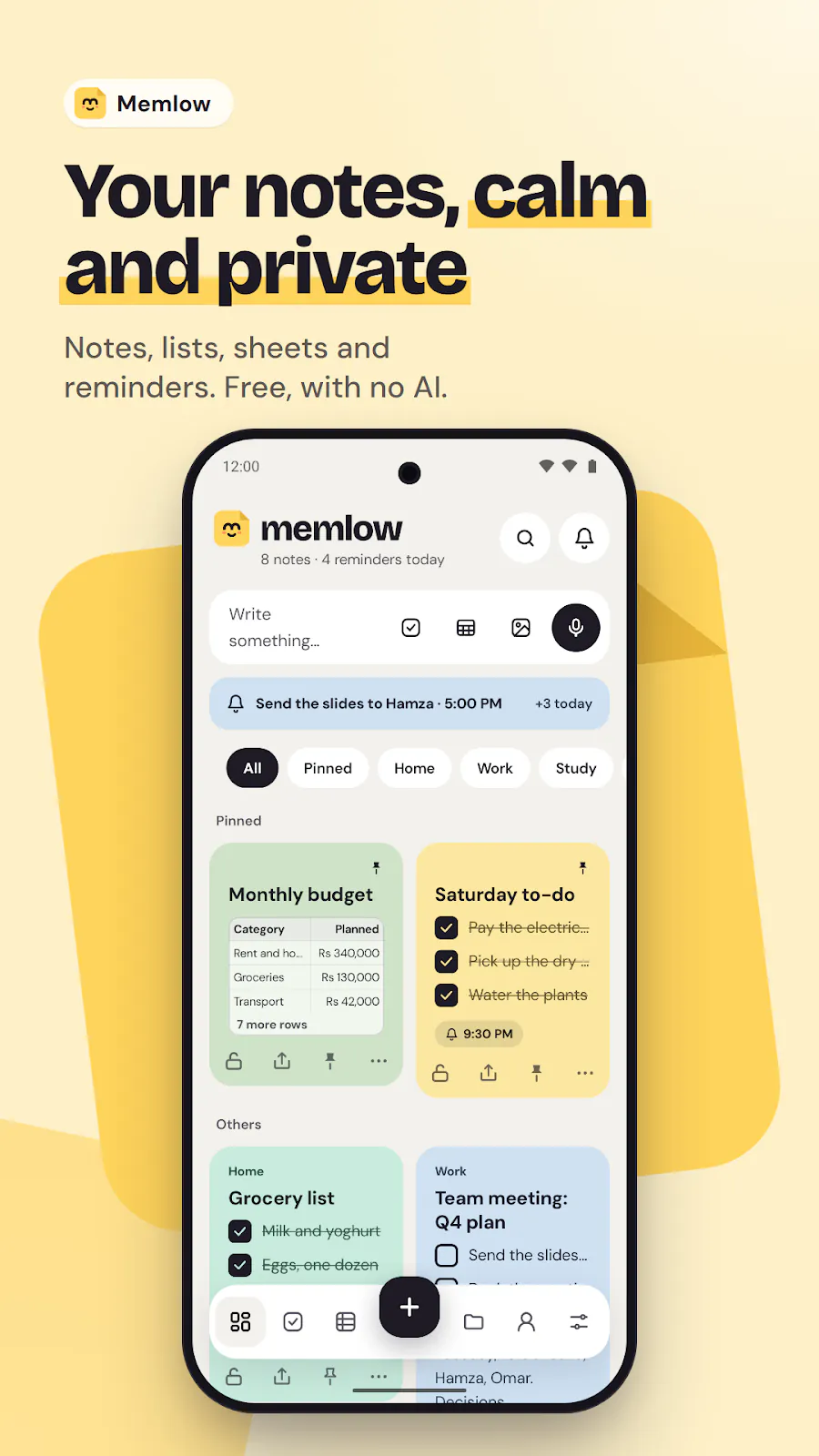
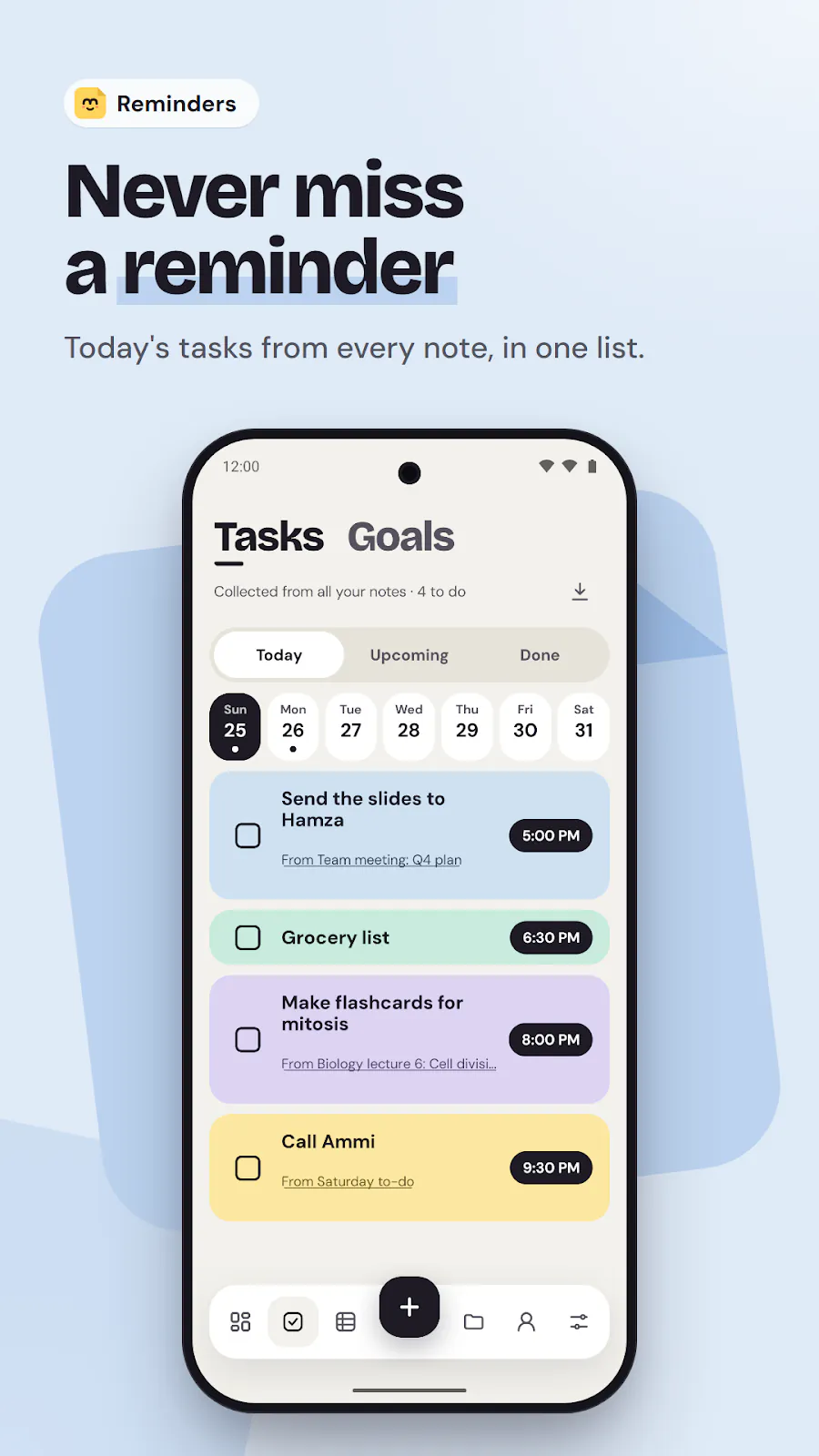
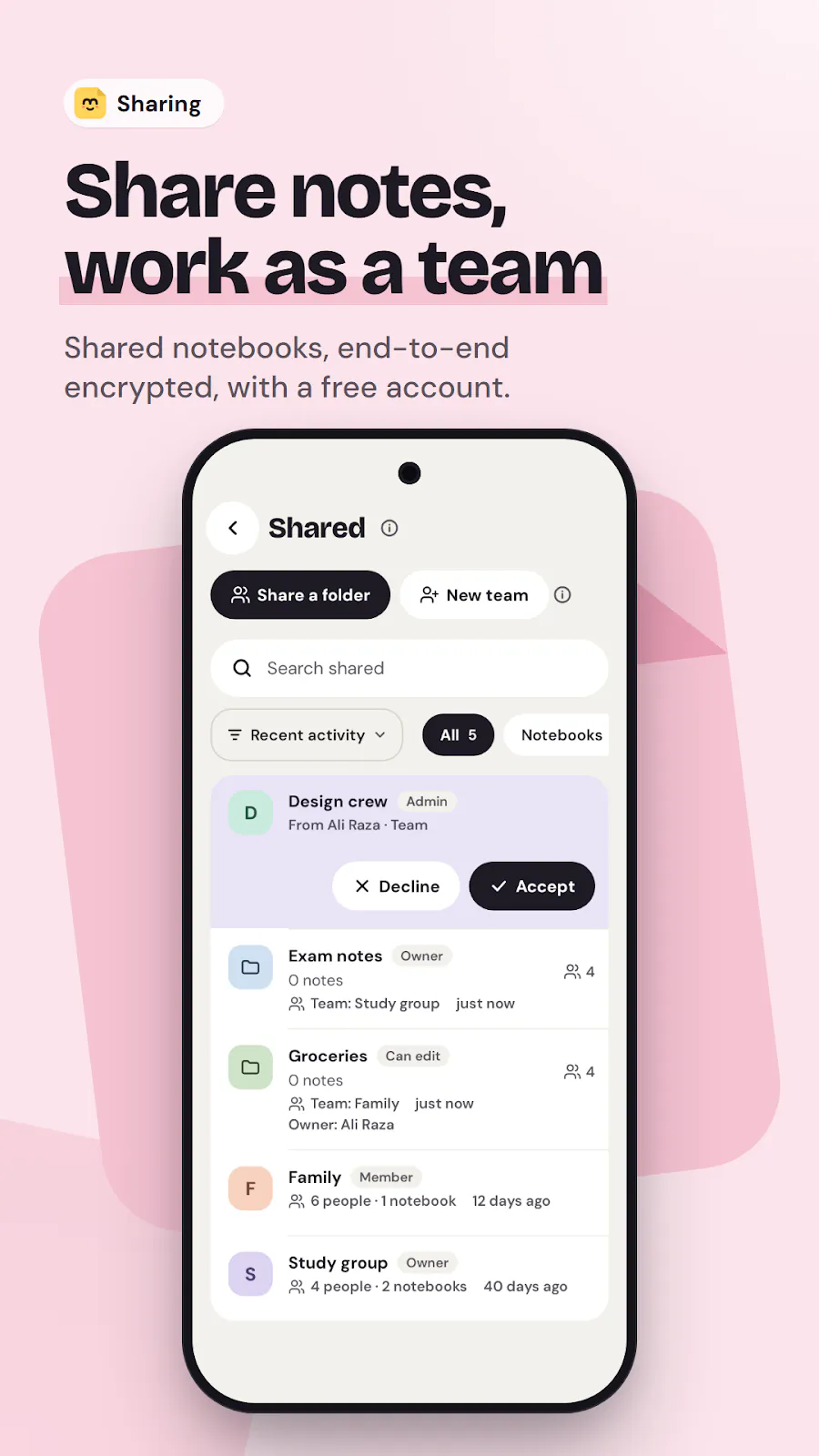
PAKISTAN, 15 November 2026: Entherion, the Pakistan-based Android app and web studio, today presented Memlow: Notes, Notepad & Diary, a free notes app available now on Google Play. Memlow keeps notes, checklists, a diary, reminders and spreadsheets in one place on the phone. It saves every note as the user types, works without an internet connection and contains no AI features, so nothing reads, summarises or trains on the user's writing.
Many people keep shopping lists in one app, reminders in another and a private journal somewhere else. Memlow brings these into a single notebook that needs no account to start and keeps its data on the device. It is designed for students, professionals and anyone who wants a personal diary that stays private, from quick meeting notes to a locked daily journal.
Highlights
- Offline by default. Writing, search, reminders, widgets and the app lock all work with no connection.
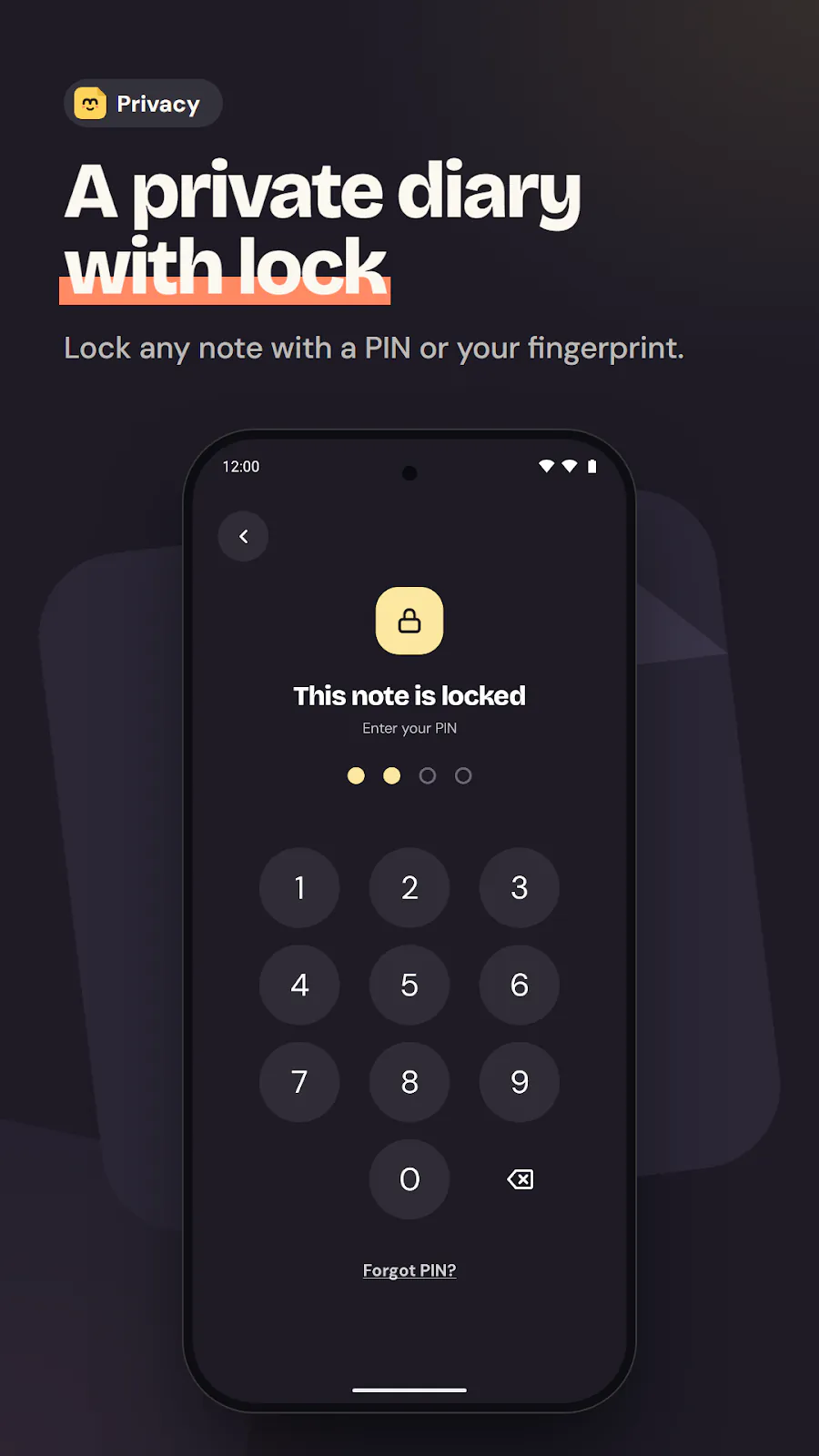
- Locks for private writing. A PIN or fingerprint can lock the whole app, a single note or a full folder.
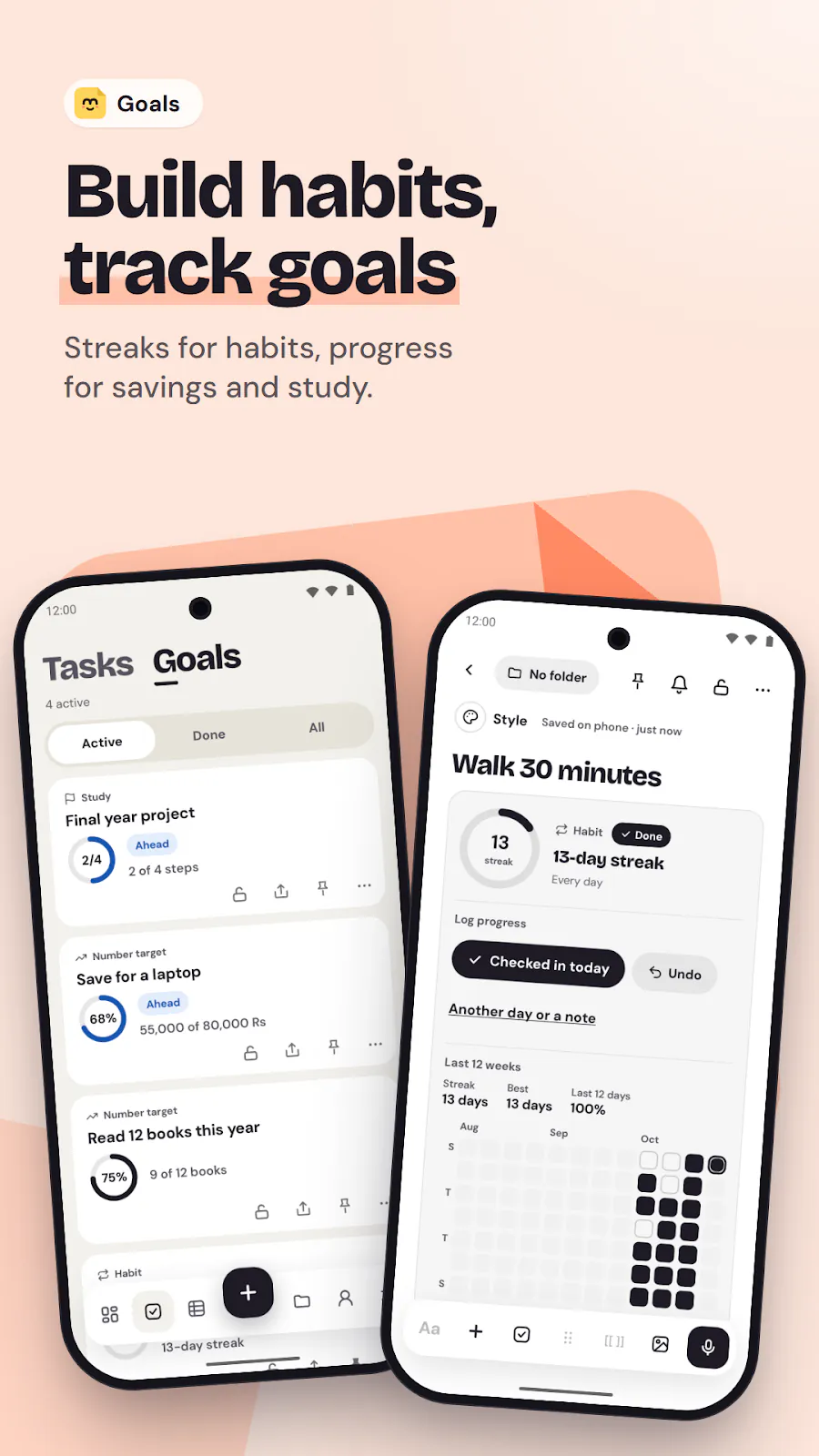
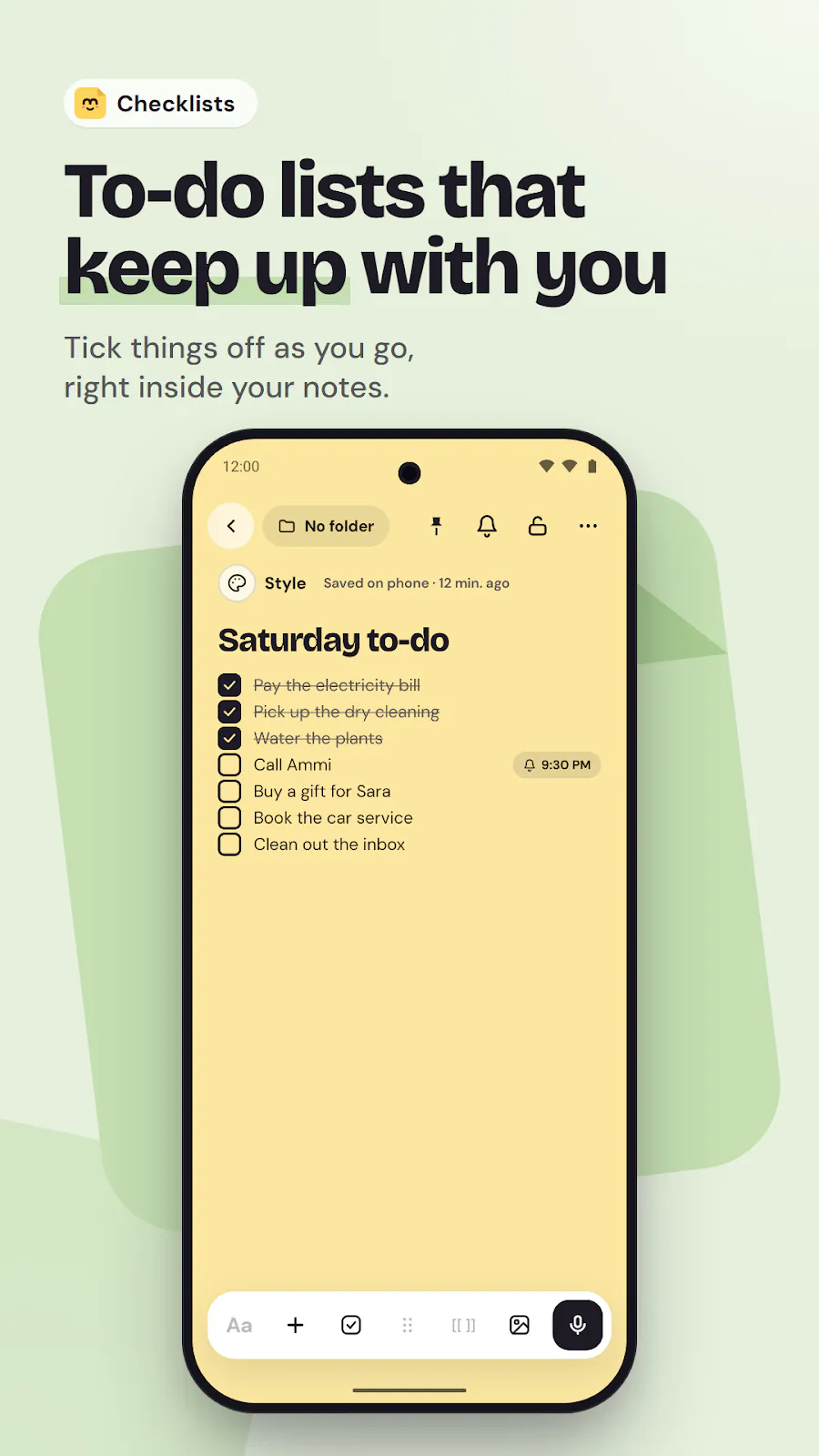
- Reminders inside notes. A reminder can be attached to a note or a single checklist item, repeated, snoozed or marked done from the notification.
- Voice notes. Users can record audio in any note, and speech to text works offline on supported phones.
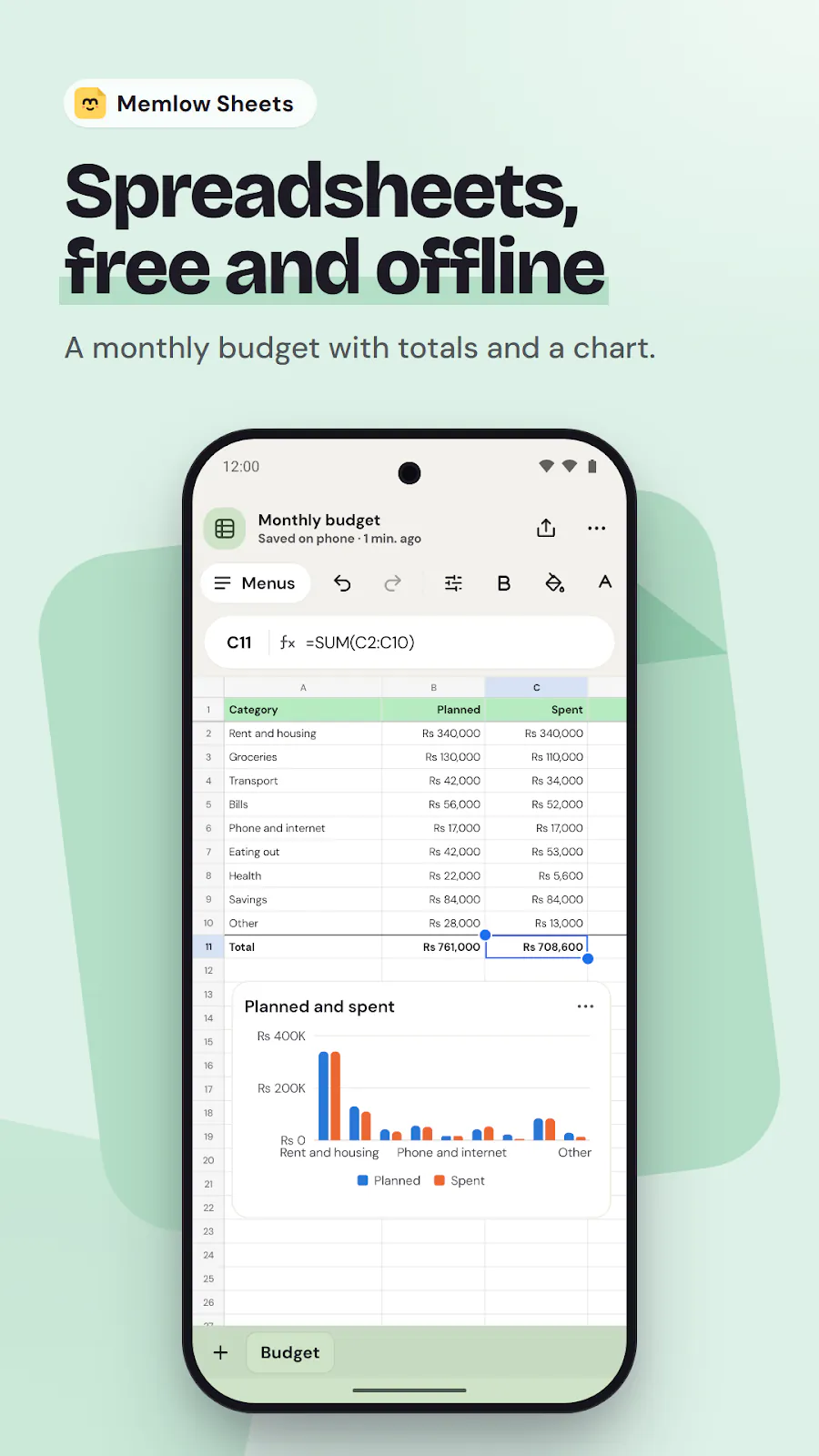
- Memlow Sheets. Built-in spreadsheets add formulas, charts and 12 ready-made sheets such as budgets, invoices and habit trackers.
- Encrypted backups. Backups to the user's own Google Drive are encrypted on the phone with AES-256-GCM before upload.
A notebook built for daily use
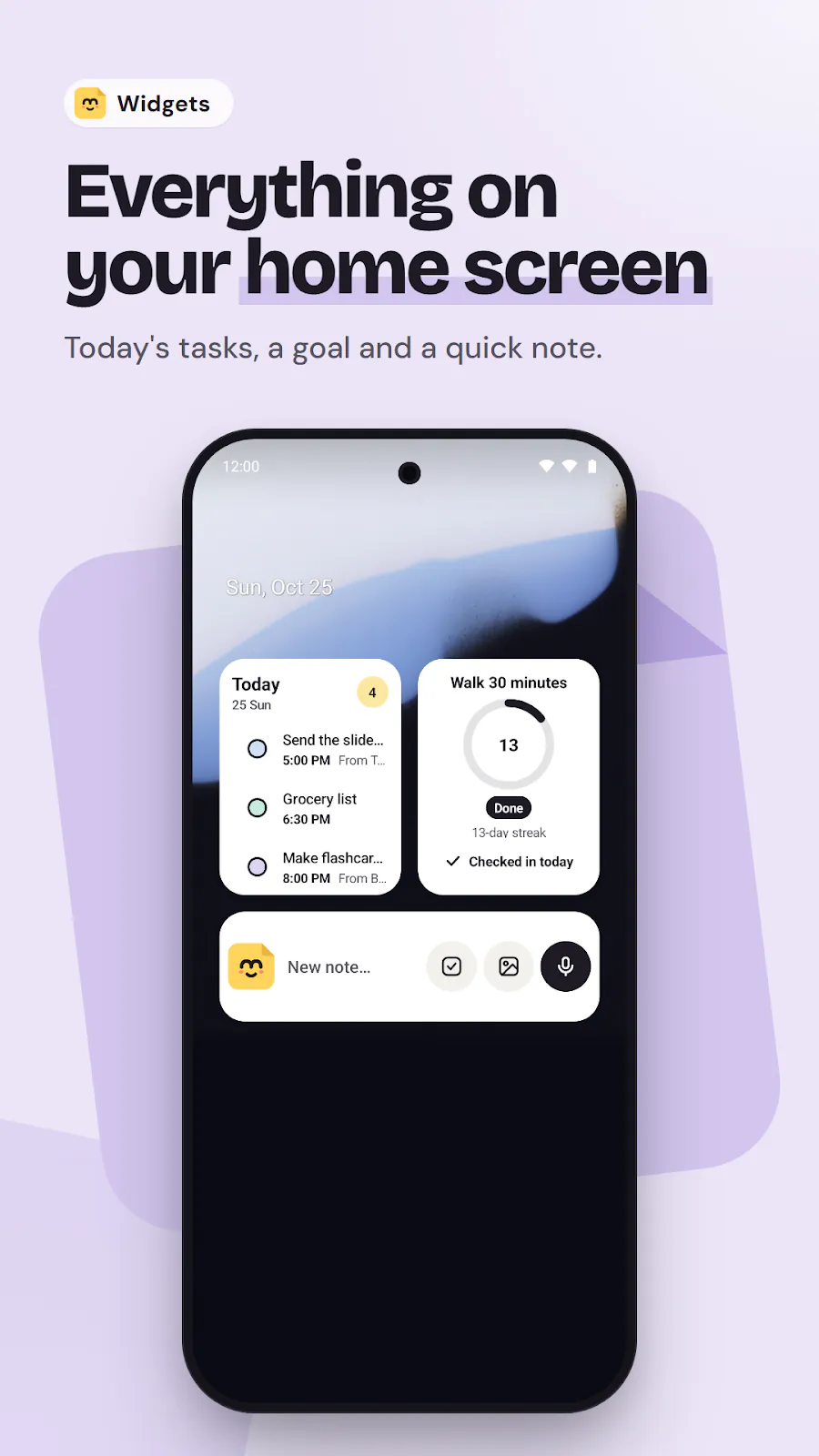
Every note is saved automatically on the phone, and no sign-up is needed to start writing. Notes live in folders and sub-folders with icons, tags, pins and an archive, and search covers the whole notebook. A single note can be pinned to the home screen with one tap, and Trash keeps deleted notes for 30 days.
The editor supports headings, highlights, colours, tables, code blocks and Markdown. Any note can become a checklist, photos can sit inside notes, and notes can link to each other. Each note shows its word count and reading time, and 40 note templates give users a starting point.
When a user types a date into a note, Memlow offers to set a reminder for it. The suggestion comes from simple rules running on the phone, not from AI.
Privacy and data handling
According to the Memlow privacy policy, notes, photos, voice notes, sheets, tags and reminders are stored inside the app on the user's phone. Android's own cloud backup is turned off for the app. The Android app contains no analytics or crash-reporting code.
The optional Google Drive backup stores encrypted copies in a hidden app folder in the user's own Drive. Encryption uses AES-256-GCM with a key unlocked by the user's backup password, so neither Google nor Memlow can read the files. Memlow asks only for access to its own app folder in Drive. Users can also save a password-protected backup file, and they can export notes at any time as PDF, Markdown, Word, text or image.
The free app shows Google AdMob ads. Ad requests never include note content, and ads do not appear on locked notes. Note text can also be hidden in notifications and widgets.
Design and personalisation
Each page can be styled on its own, with more than 45 themes and backgrounds, lined, grid or dot paper, over 30 fonts including handwriting styles, and light or dark mode that can follow the phone's setting. Urdu and Arabic switch the app to a right-to-left layout, and Urdu notes can be written in Nastaliq script.
Memlow on the web
memlow.com explains each feature in detail and hosts note templates, guides and a help centre. Memlow on the web runs in the browser, keeps notes in the browser's own storage and can be installed from the browser like an app. The web version has no ads. When the same Google Drive is linked on the web and on Android, notes stay in sync between the two, and edits made on both are merged. Linking Drive on the web requires a free Memlow account.
Availability and pricing
Memlow is available now as a free download on Google Play and runs on Android 8.0 or newer. The app is supported by ads, and optional Pro upgrades remove them. Everything that is free in Memlow stays free. The app is available in 38 languages, including English, Spanish, French, Hindi, Urdu, Arabic, Indonesian and Japanese. The website is at memlow.com and the web app at app.memlow.com.
About Memlow
Memlow: Notes, Notepad & Diary is a private notes app for Android from Entherion. It combines notes, checklists, a locked diary, reminders, voice notes and spreadsheets, stores them on the device and works offline. No AI reads or processes what users write.
About Entherion
Entherion is a product studio based in Pakistan, building Android apps and websites since 2026. Its Android apps on Google Play include Memlow (notes, notepad and diary), Algebra Solver & Calculator, WrittenCheck: AI Detector, Age Calculator and Loopy Rocket: Space Jump Game, with CV Maker and Tippy Tray coming soon. On the web, Entherion runs WrittenCheck, Memlow for the web, PerfectATS, Free Algebra Solver and Age Finder Online. Its products work offline wherever possible, need no account where they can, and are built to collect as little personal data as they can.
Media contact
- Email: support@entherion.com
- Press kit: entherion.com/press
- App page: entherion.com/apps/memlow
Media assets
The app icon and screens for this release. Free to use in coverage of Memlow.